Workflow Campaigns in Growth360 give you a consolidated view of all email actions within your automations – showing both overall workflow performance and individual email statistics in one place.
What are Workflow Campaigns?
When you use email actions inside a Growth360 workflow (automation), those emails appear in the Workflow Campaigns section. This lets you review the performance of every email sent through your automations without having to dig through individual workflow steps. Both aggregate and per-email statistics are available.
Accessing Workflow Campaigns
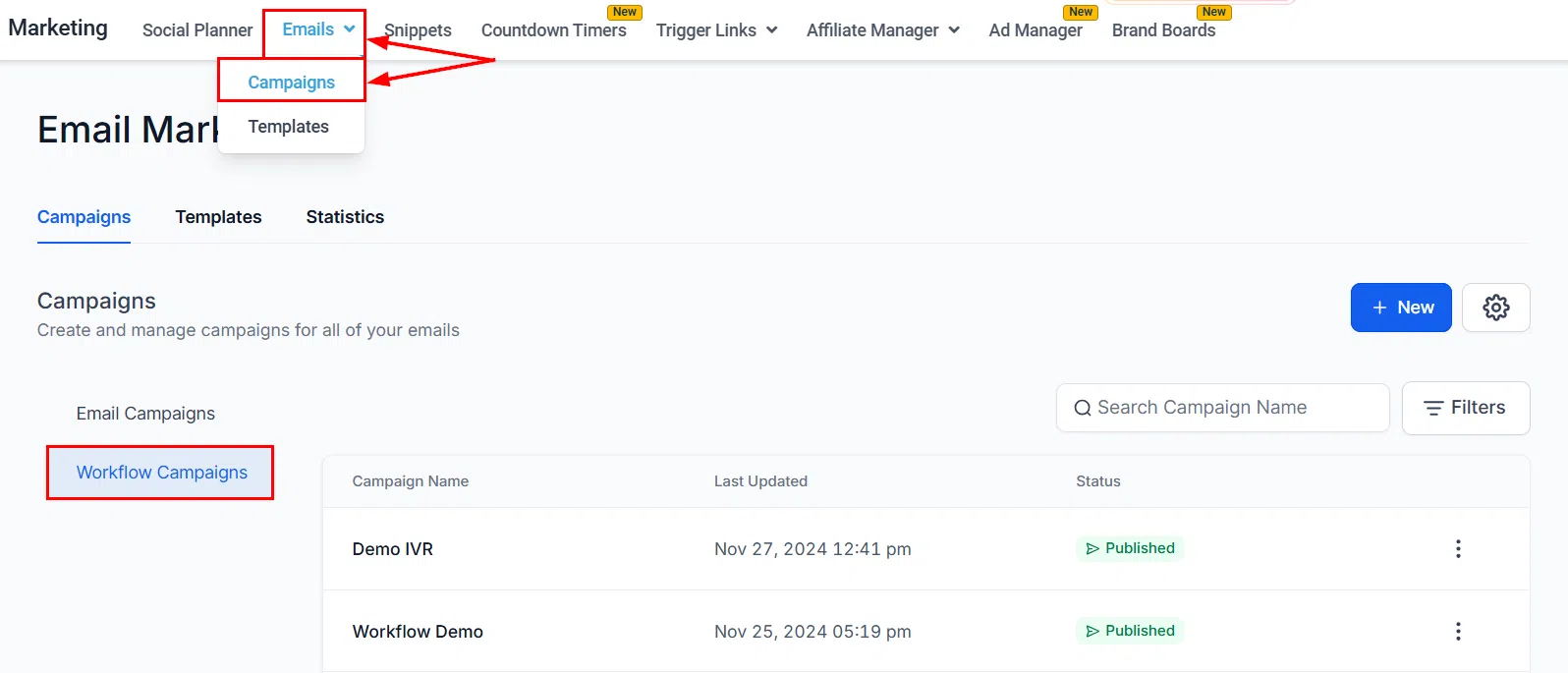
Go to Marketing > Emails > Campaigns and select the Workflow Campaigns tab.
What You Can Do Here
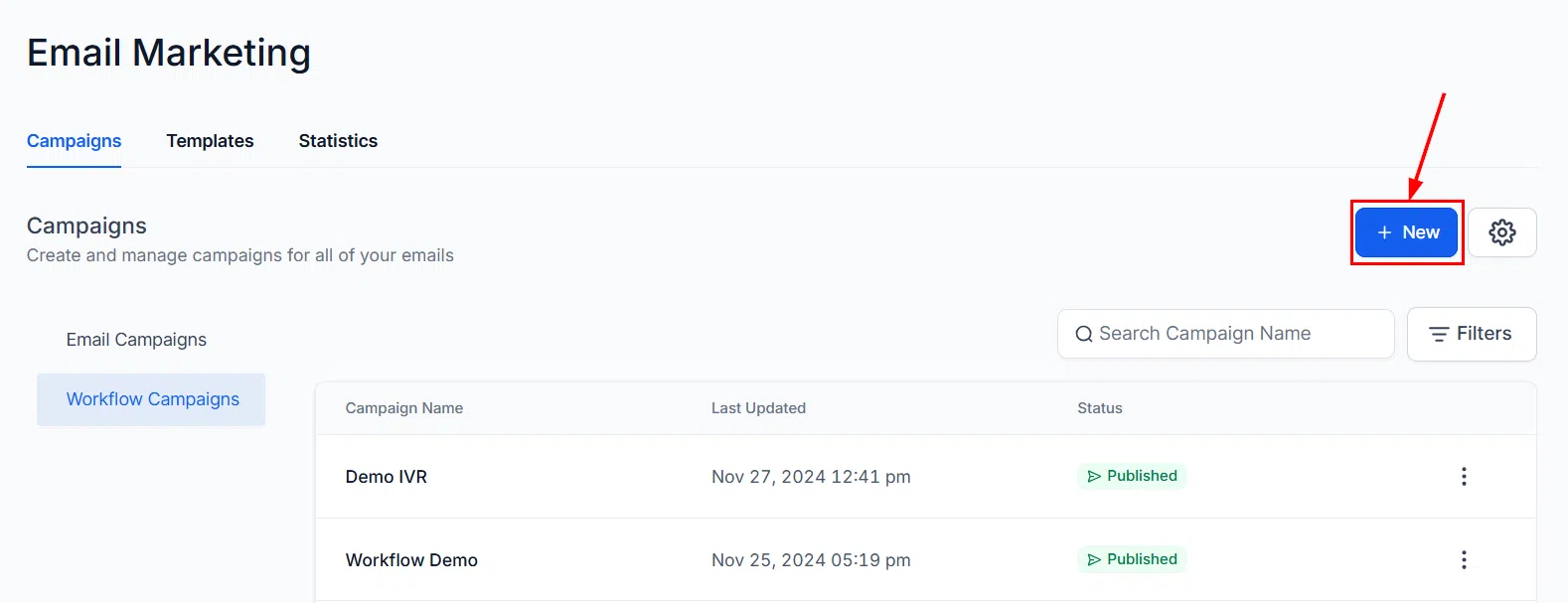
Create a New Workflow
Click New to create a new workflow directly from this view. This opens the Workflow Builder where you can add triggers, actions, and email steps.
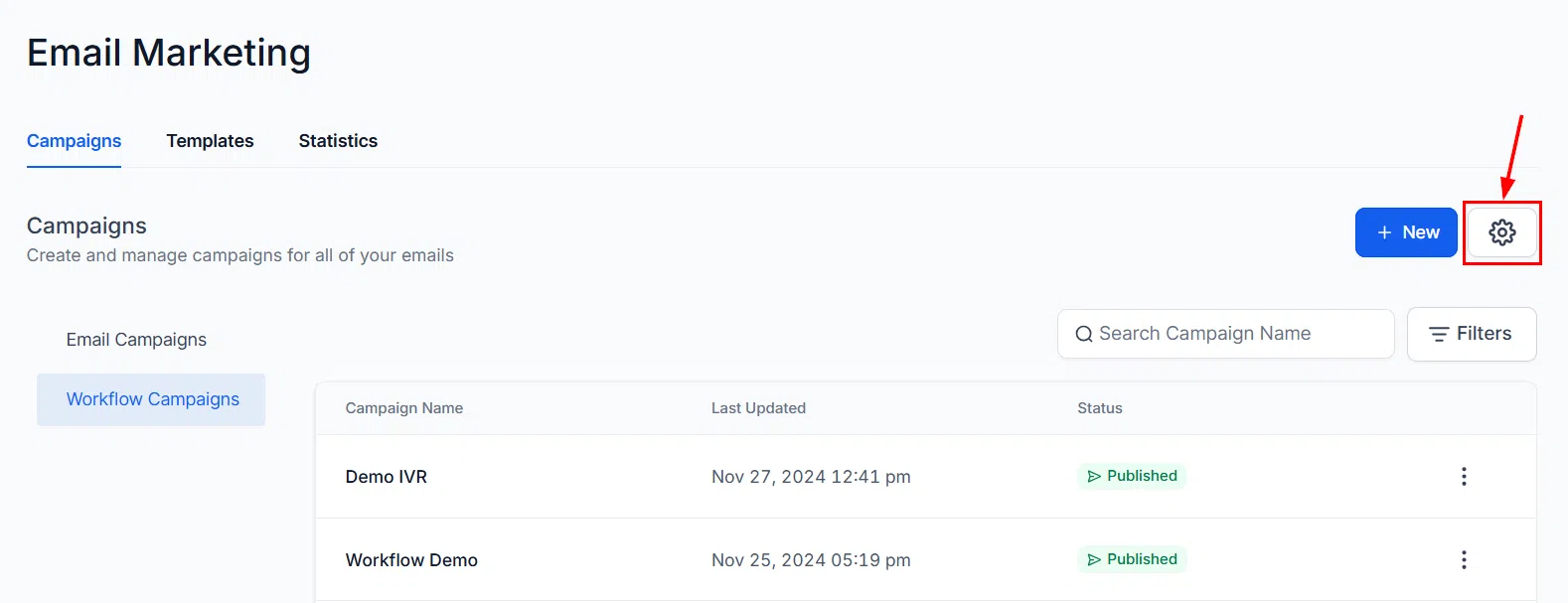
Campaign Settings
Click the settings icon to configure default tracking settings that apply to all your future workflow email campaigns.
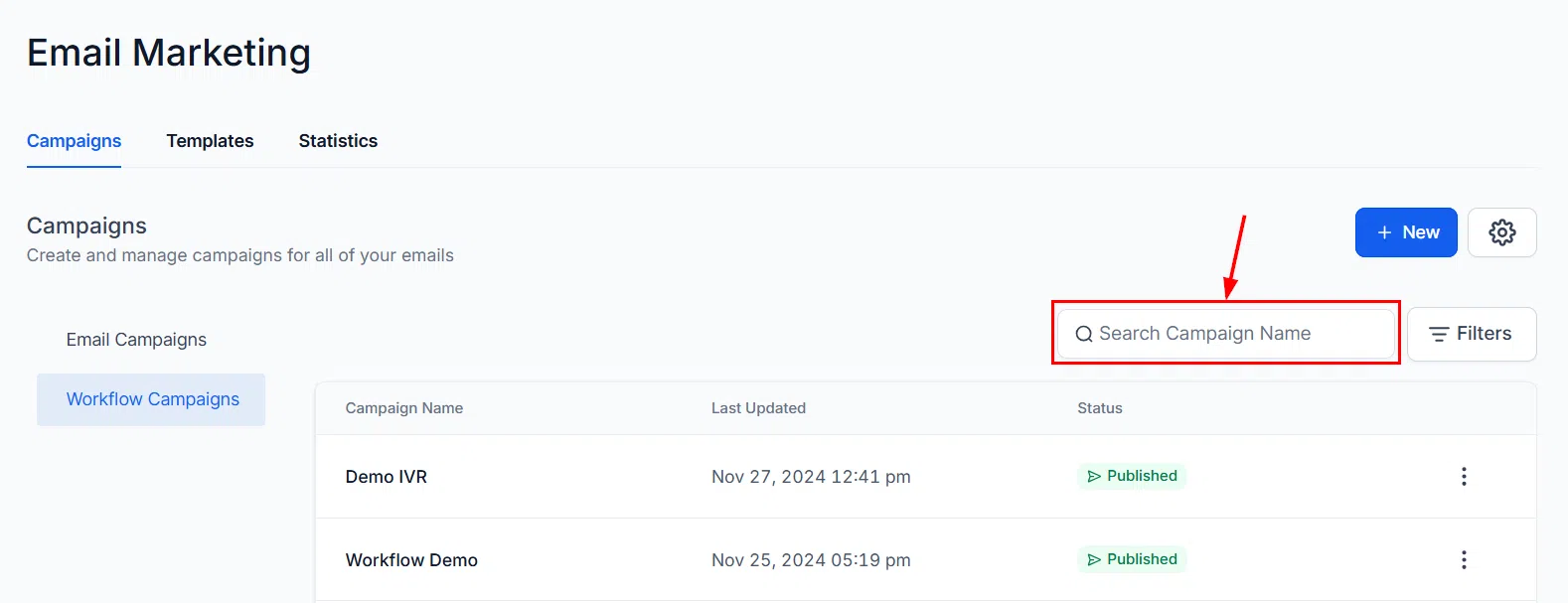
Search
Use the search bar to quickly locate a workflow by entering a few characters of its name.
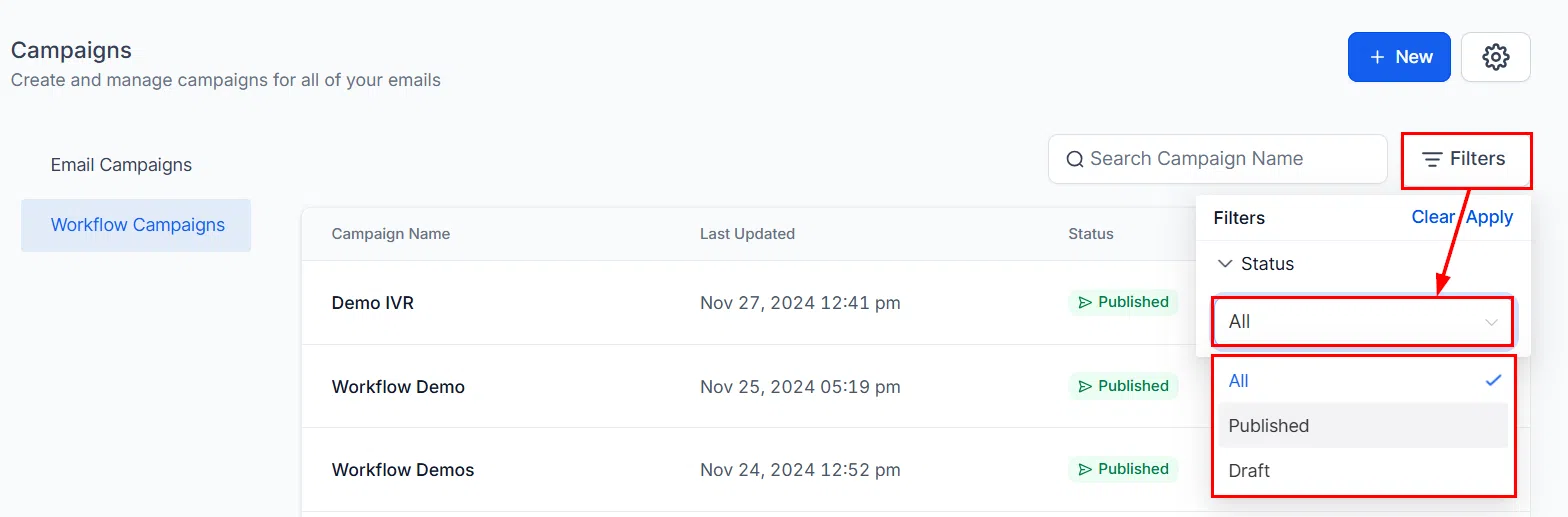
Status Filters
Apply status filters to narrow the list and view only workflows in a specific state (active, paused, draft, etc.).
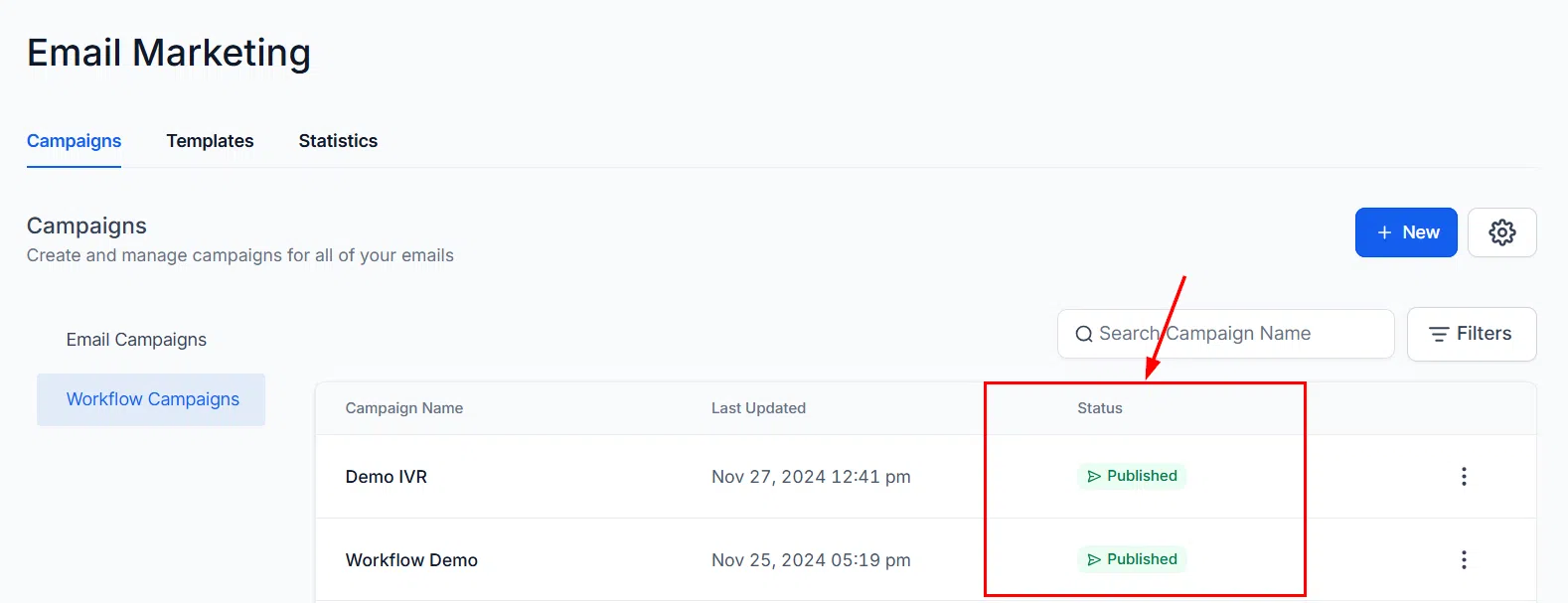
Workflow Campaigns Table
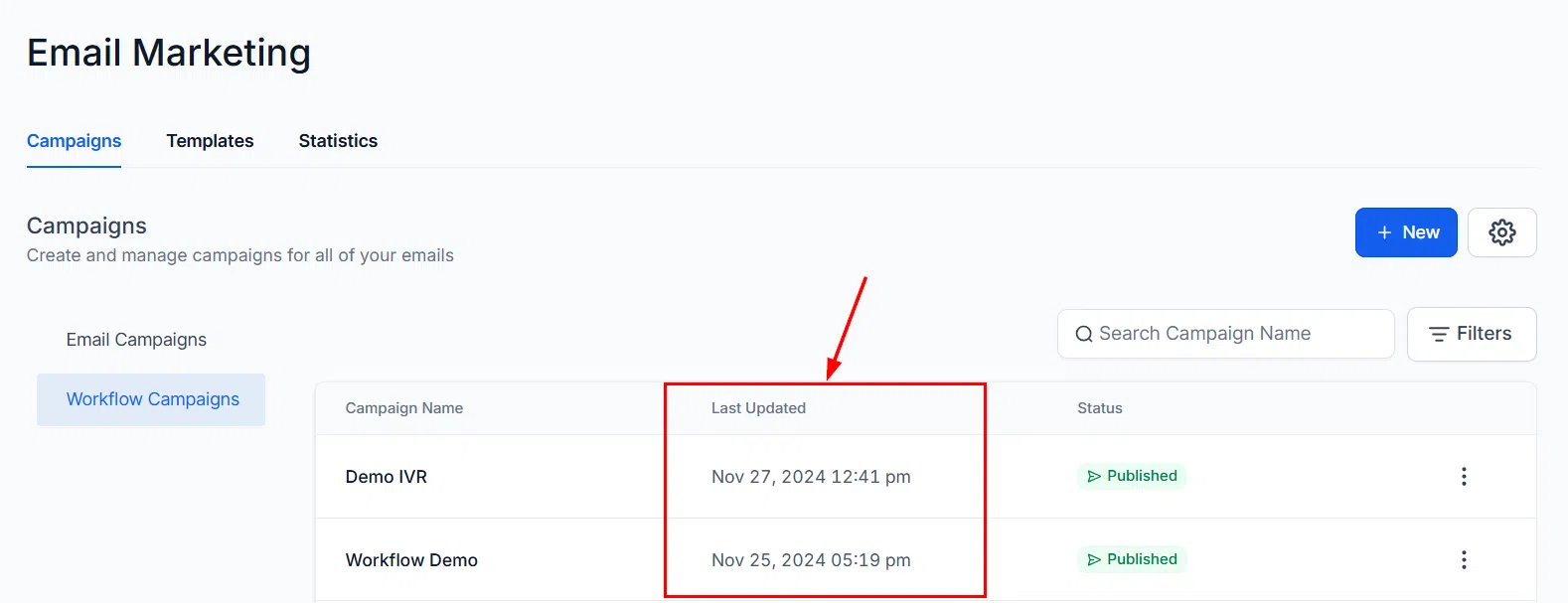
The campaigns table lists all workflows that include email actions, showing key details at a glance:
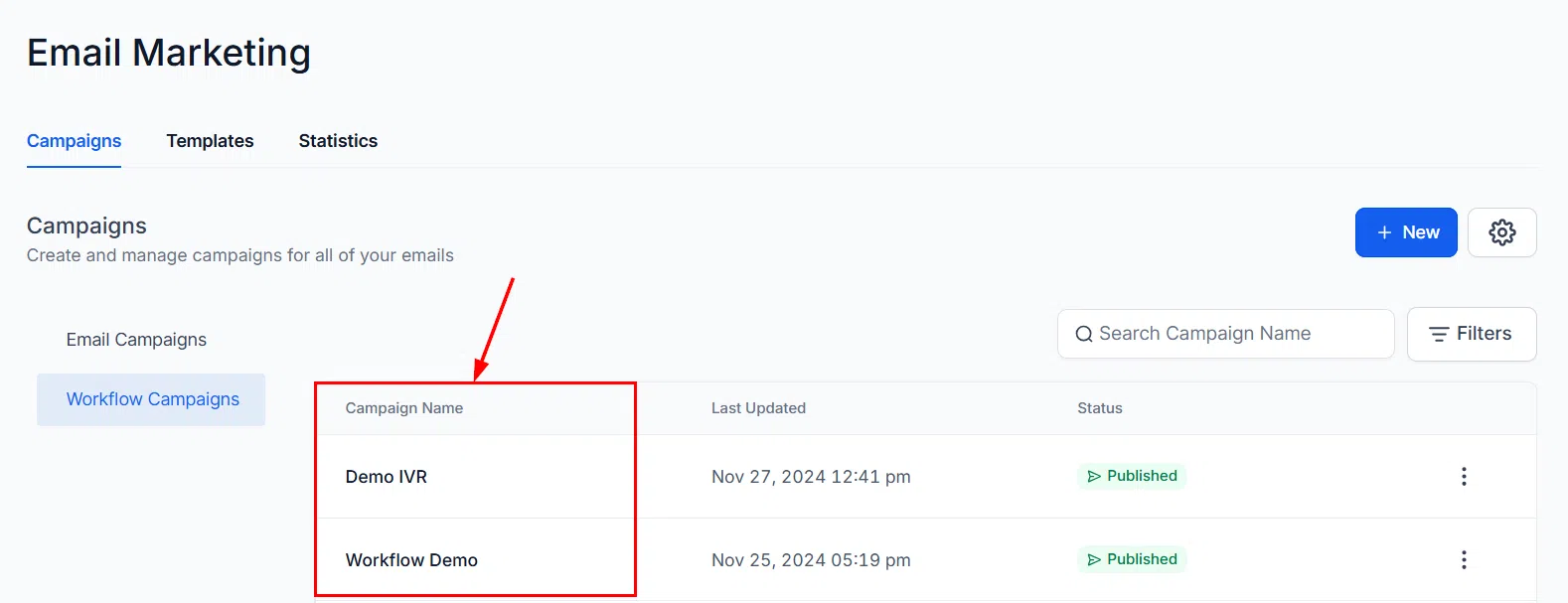
- Name: The workflow name. Click it to open the workflow.
- Last Updated: When the workflow was last modified.
- Status: The current state of the workflow.
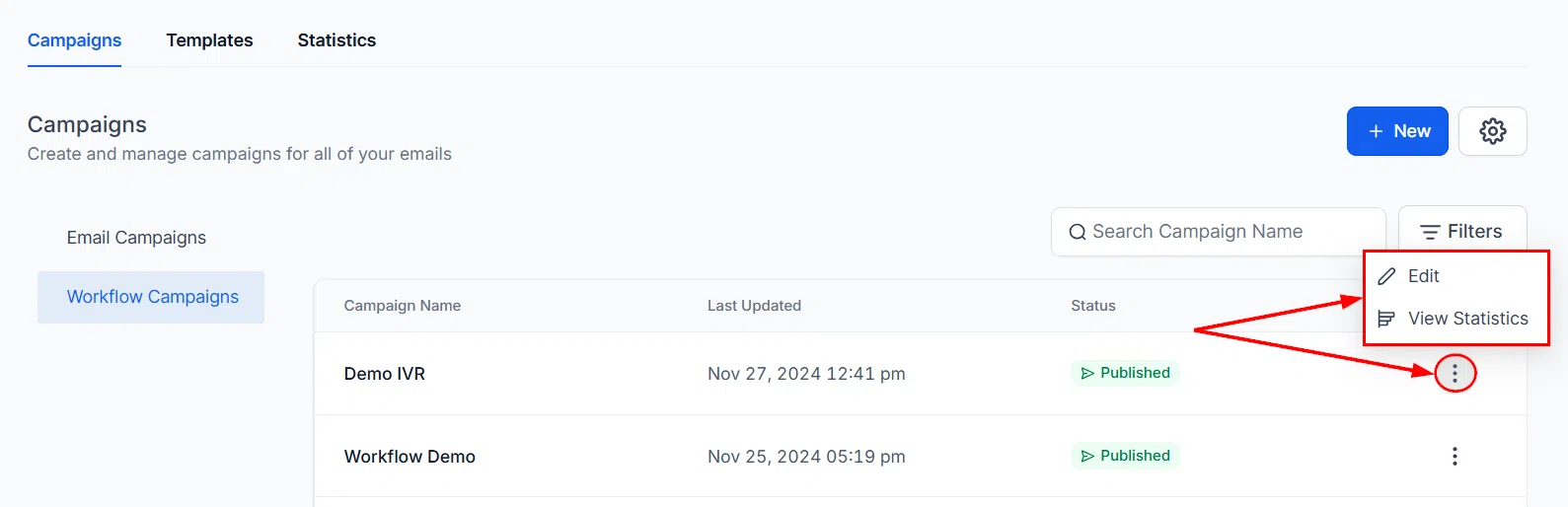
- Actions: Quick-action options for managing the workflow.
Email Action Statistics
Click into a workflow to see the performance breakdown for each individual email action within it. This view shows the same metrics available in standard campaign statistics – opens, clicks, deliveries, bounces, and so on.
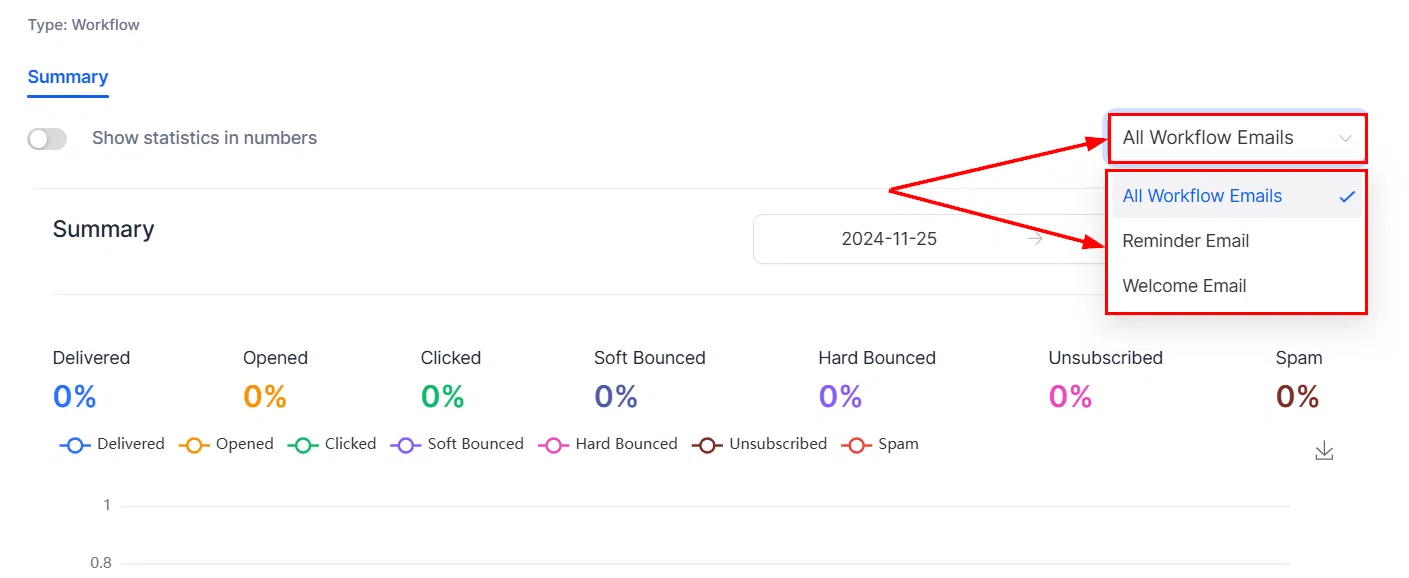
Use this view to evaluate how each email contributes to the overall workflow, identify steps with low engagement, and refine your messaging or timing to improve outcomes. For a full explanation of each metric, refer to the Email Campaign Statistics article.