The Email Campaigns section in Growth360 lets you create, customise, and track the performance of your email marketing efforts – all from within your CRM. From promotional emails to newsletters and follow-ups, everything is managed in one place.
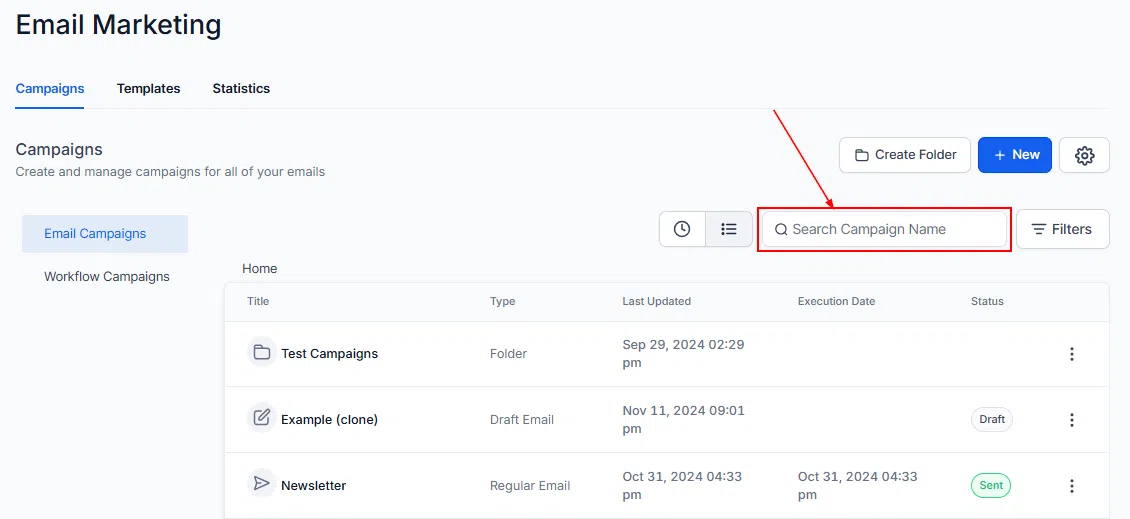
Navigate to Marketing > Emails > Campaigns to get started.
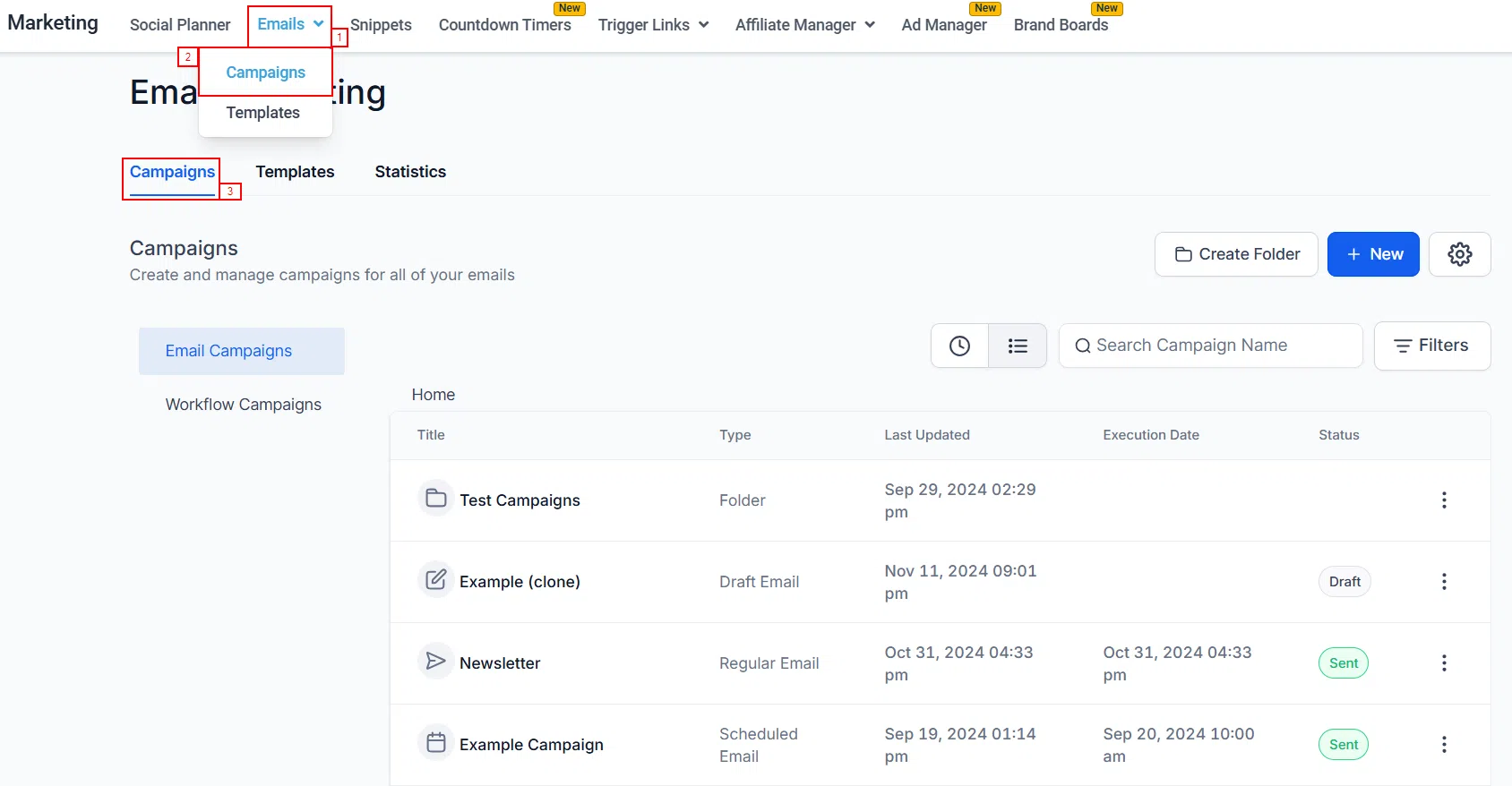
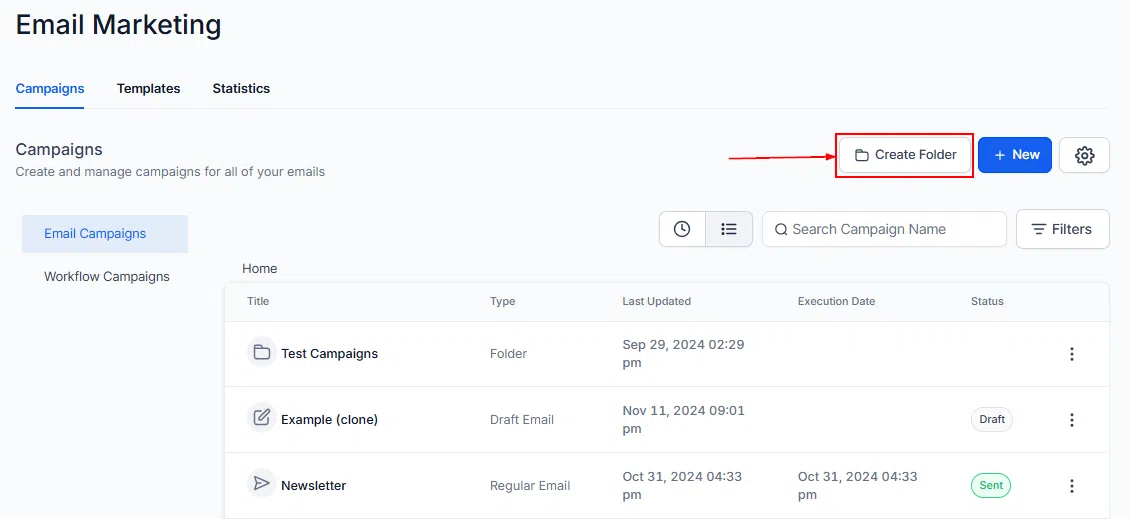
Create a Folder
If you would like related campaigns stored in the same location, click Create Folder to organise your campaigns into logical groups. This keeps your list tidy as your campaigns grow.
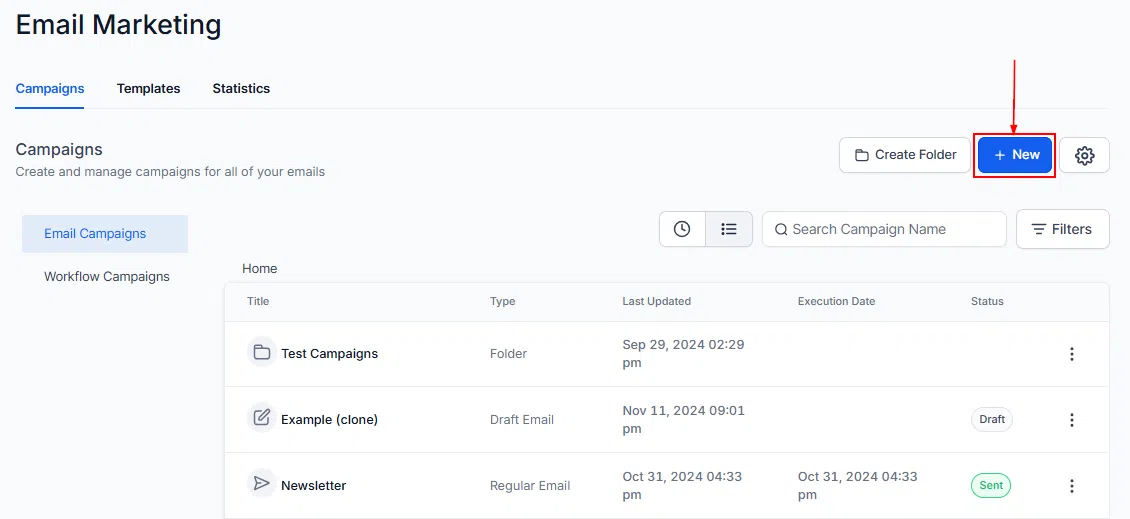
Create a New Campaign
Click + New to start a brand-new campaign. Whether it is a promotional email, a newsletter, or a follow-up, you can design and customise the content to meet your specific goals.
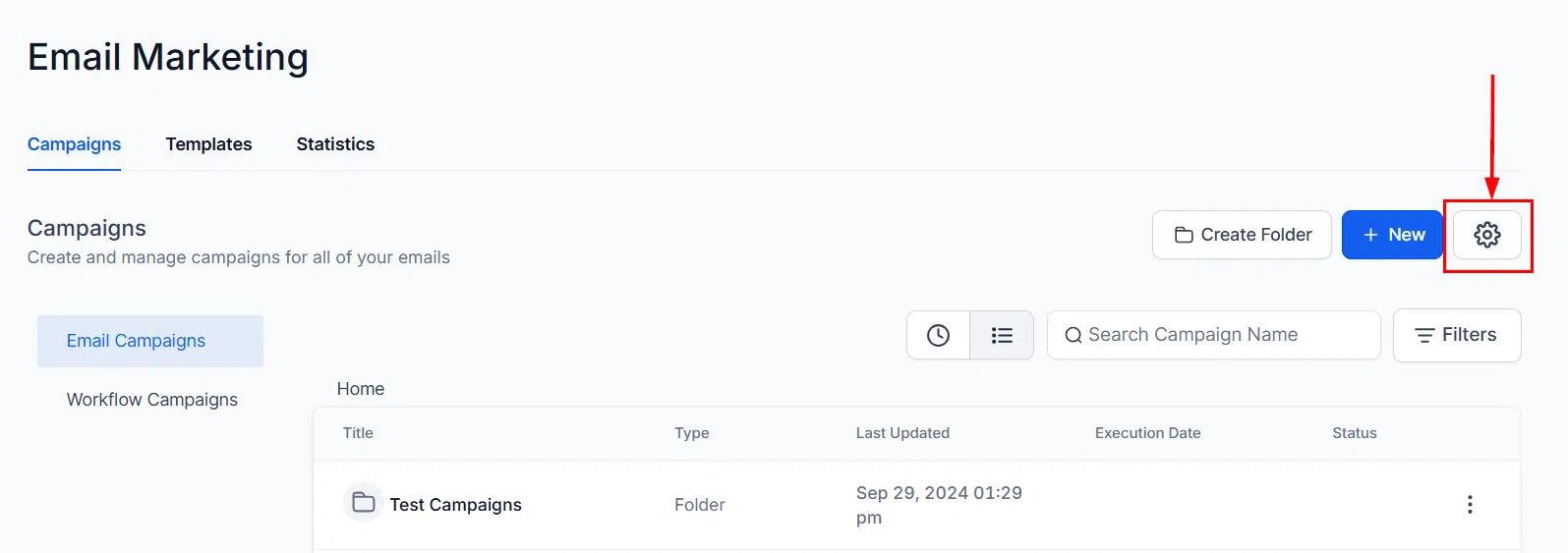
Email Settings
Click Settings to configure your email sending options, including sender name, reply-to address, and other global preferences for your campaigns.
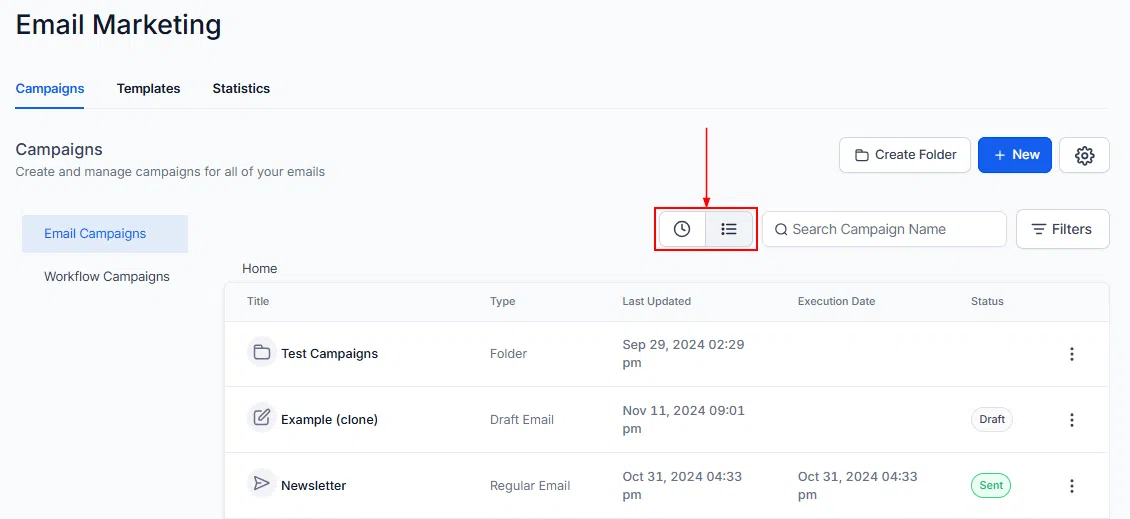
Recent and List Views
Switch between Recent and List views to manage and review your campaigns more effectively. Recent shows your latest activity; List gives a full sortable view of all campaigns.
Status Filters
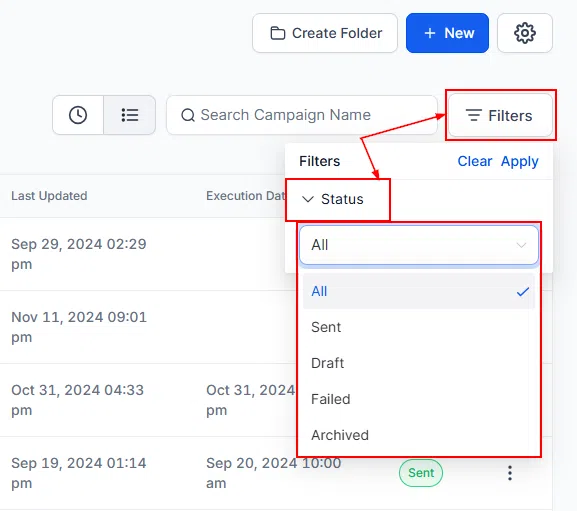
Filter your campaigns by status to focus on what matters:
- Sent – campaigns already delivered to your contacts
- Draft – campaigns still being prepared
- Failed – campaigns that did not execute successfully, so you can troubleshoot
- Archived – campaigns you have moved out of your active list
Campaign List Details
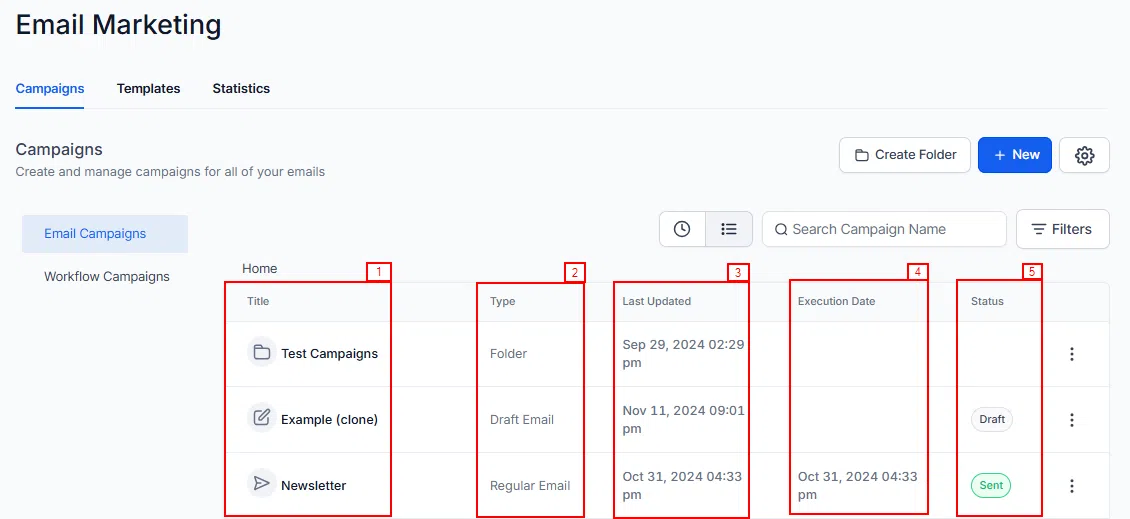
The campaign list gives you key information at a glance for each campaign:
- Name – the campaign name or folder
- Type – folder, draft, or regular email
- Last Updated – when the campaign was last modified or scheduled
- Execution Date – the date the campaign is set to send
- Status – whether the campaign is sent, in draft, or scheduled
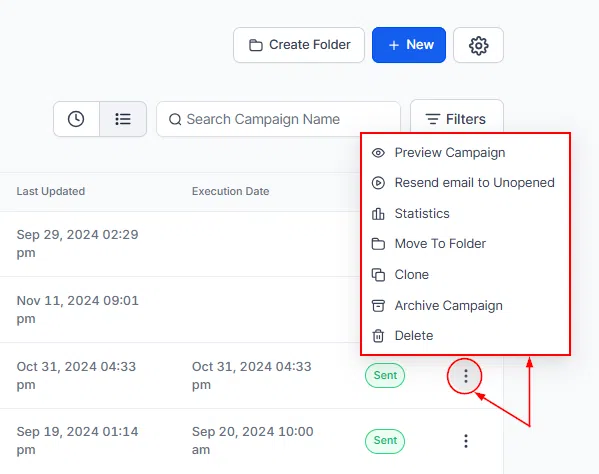
Campaign Actions
Each campaign has an actions menu with options to manage it:
- Preview Campaign – preview the email before sending
- Resend Email to Unopened – target recipients who did not open the original send
- Archive – move a campaign out of your active list
- Delete – permanently remove the campaign (this cannot be recovered)
With search functionality, organised folders, status filters, and detailed campaign statistics, Growth360 Email Campaigns gives you everything you need to keep your email marketing effective and organised.