
A/B test email campaigns in Growth360 let you test up to six variations of a campaign with a portion of your list, then automatically send the winning version to the remaining contacts.
A/B testing helps you understand which subject lines, content, or combinations resonate most with your audience – leading to better open rates and conversions over time.
Setting Up an A/B Test Campaign
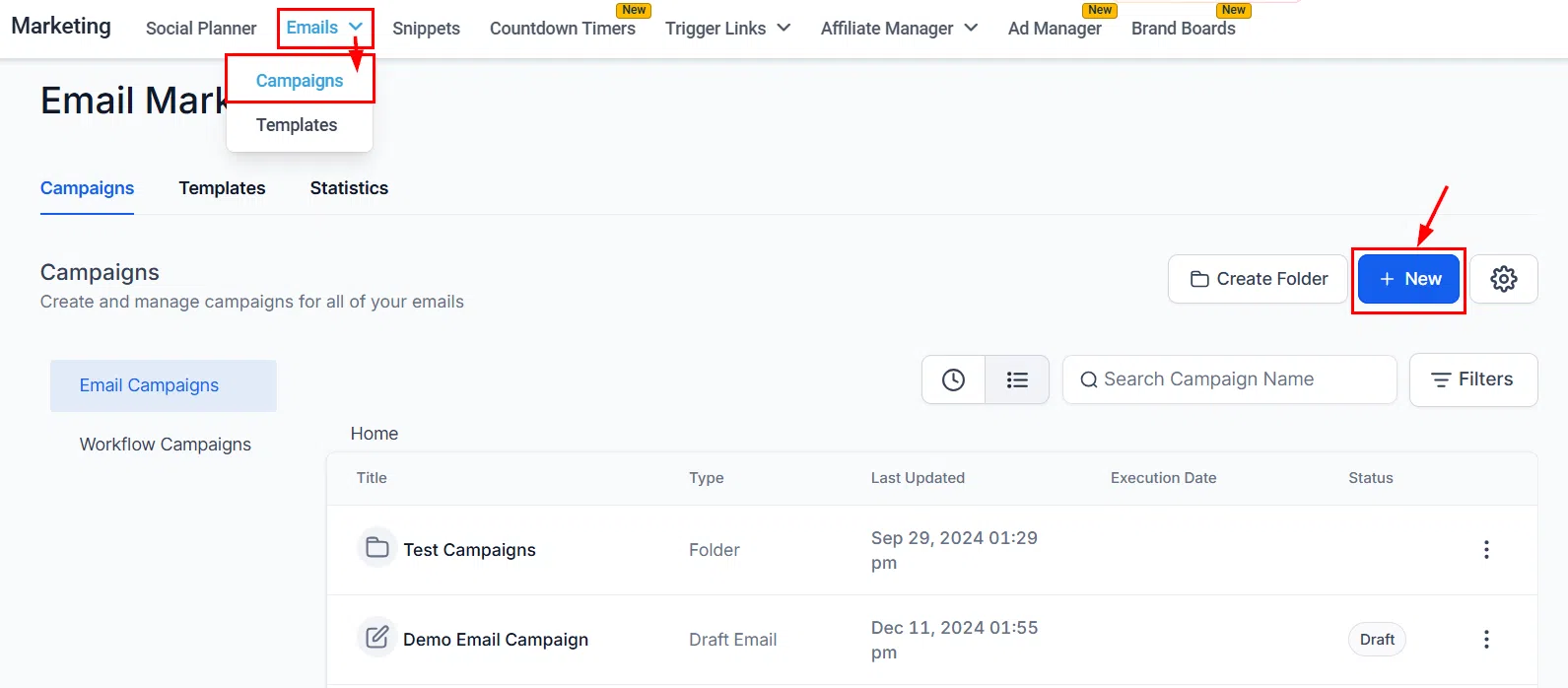
Navigate to Marketing > Emails > Campaigns. Either select an existing draft campaign or click +New to create a new one.
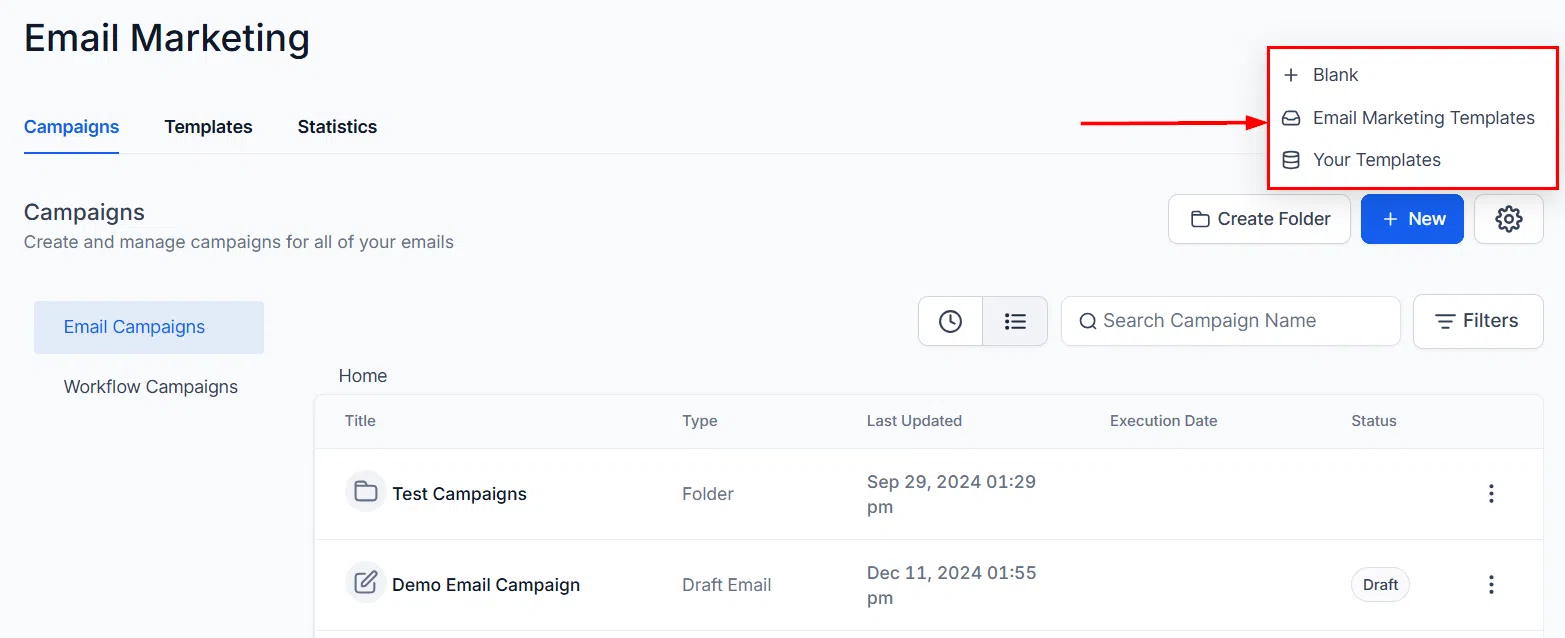
Choose your starting point – a system template, a saved template, or a blank campaign.
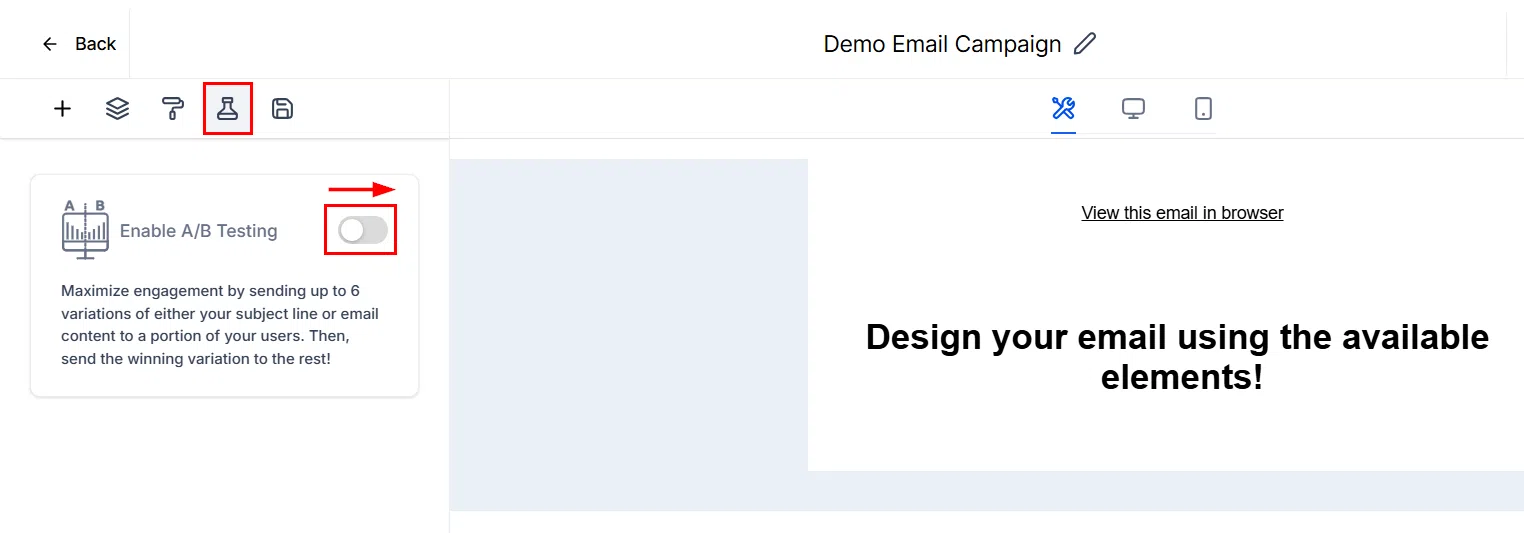
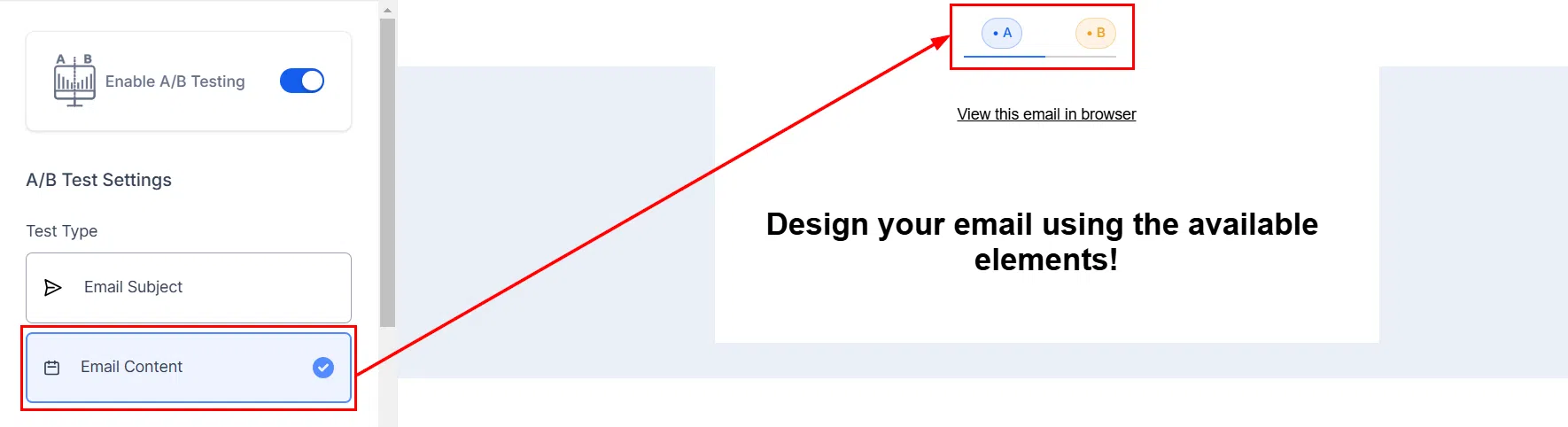
In the email editor, select the A/B Testing option to enable split testing for this campaign.
What to Test
Choose what you want to compare across your variations.
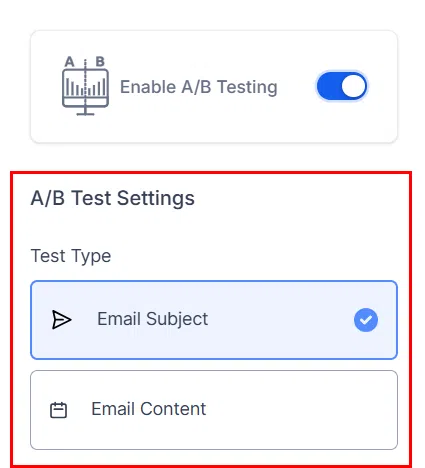
- Subject Line: Test different subject lines with the same email content.
- Content: Test different email body content with the same subject line.
- Subject Line and Content: Test both simultaneously across variations.
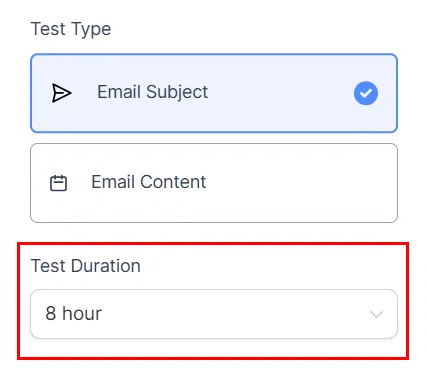
Test Duration
Set how long Growth360 should run the test before determining a winner. During this period, the system tracks performance and picks the best-performing variation once the duration ends.
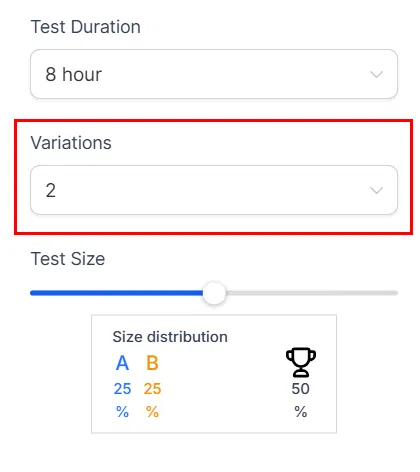
Number of Variations
Choose how many versions of your campaign to test – up to six. Each variation will be sent to a separate group of contacts.
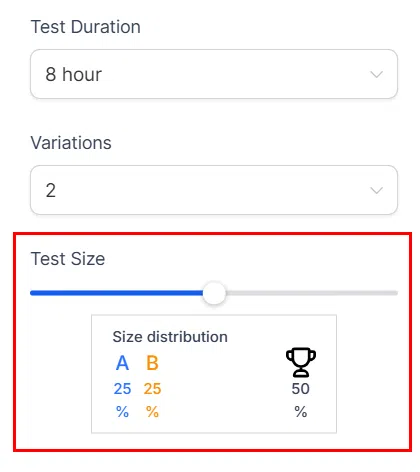
Test Group Size
Set the percentage of your total recipient list to include in the test. The remaining contacts receive the winning variation once the test concludes.
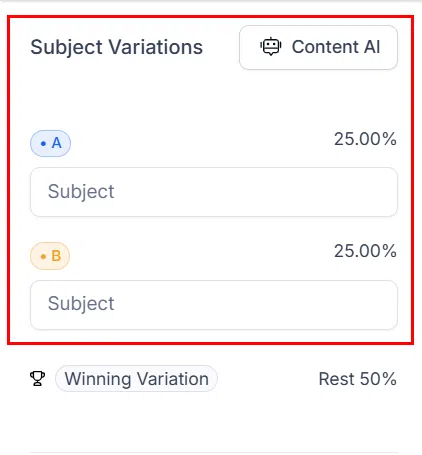
Subject Line Variations
If testing subject lines, enter a unique subject for each variation. These will be distributed evenly across your test group.
Content Variations
If testing content, design a separate email body for each variation using the email editor.
Winning Criteria
Select how Growth360 determines the winning variation at the end of the test duration.
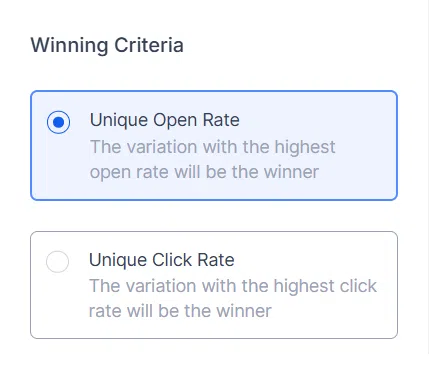
- Open Rate: The variation with the highest percentage of opens wins.
- Click Rate: The variation with the most link clicks wins.
If no results are recorded during the test duration, the first variation is sent to remaining contacts by default.
Sending the Campaign
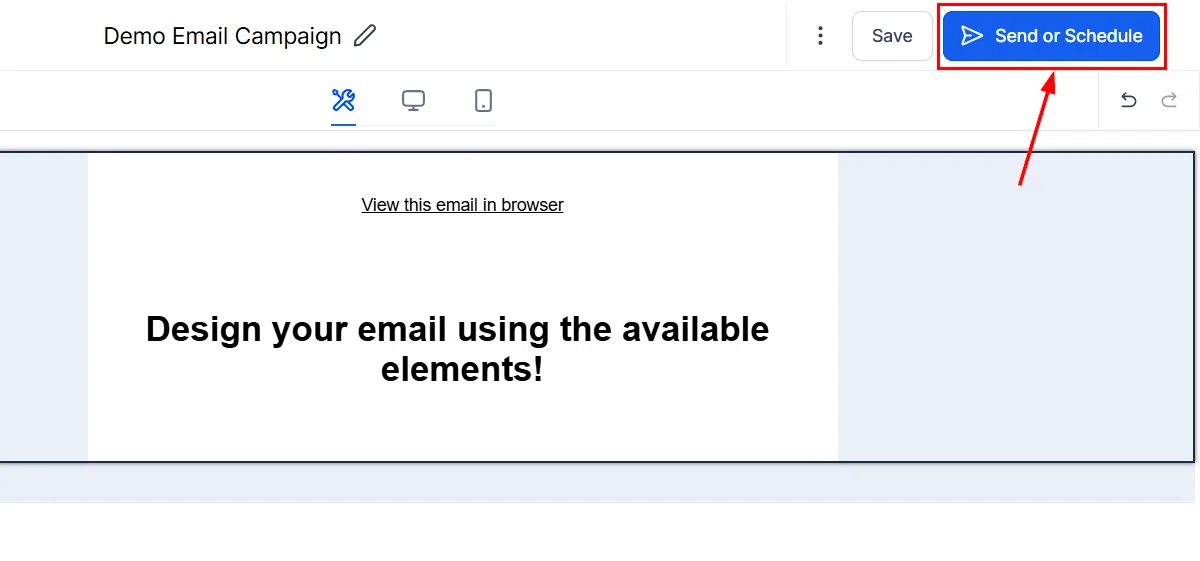
A/B test campaigns can be sent using Send Now or by scheduling for a specific date and time. Batch scheduling and RSS scheduling are not supported for A/B tests.
Important Notes
- A minimum of 10 contacts is required per variation. Testing 4 variations needs at least 40 contacts.
- Once sent, you can review enhanced statistics for each variation and the overall campaign from the campaign list.