Common Use Cases for Smart Lists
Smart Lists are a powerful tool for businesses seeking to optimise their customer engagement strategies. By allowing segmentation of customers based on various attributes and behaviours, Smart Lists enable targeted marketing, efficient sales processes, and enhanced customer relationship management.
Marketing Campaign Segmentation
Smart Lists empower marketers to more precisely target their audience by creating lists based on specific criteria. For example, generate a Smart List of customers who have made purchases within the last six months to target this segment with a new product launch campaign.
Sales Lead Prioritisation
Smart Lists enable sales teams to prioritise leads based on attributes such as lead source or recent activity, concentrating efforts on high-potential leads and improving the efficiency of outreach.
Event Planning
For businesses that organise events, Smart Lists can help identify potential attendees based on past attendance, location, or interest in event topics – enabling more targeted invitations and effective event planning.
Customer Support
Smart Lists can identify customers who have submitted multiple support tickets or have unresolved issues, allowing customer service teams to proactively reach out and enhance customer satisfaction.
Loyalty Program Management
Use Smart Lists to identify and reward loyal customers by tracking participation in loyalty programs. For example, target customers who have earned a certain number of loyalty points to send them exclusive offers or early access to new products.
Cross-Selling and Upselling Opportunities
By creating Smart Lists of customers who have purchased specific products, you can identify opportunities to promote complementary items or upgraded versions to the right audience.
Managing Your Smart Lists
Navigate to the Manage Smart Lists section under the Contacts tab to access and control all the smart lists you’ve created.
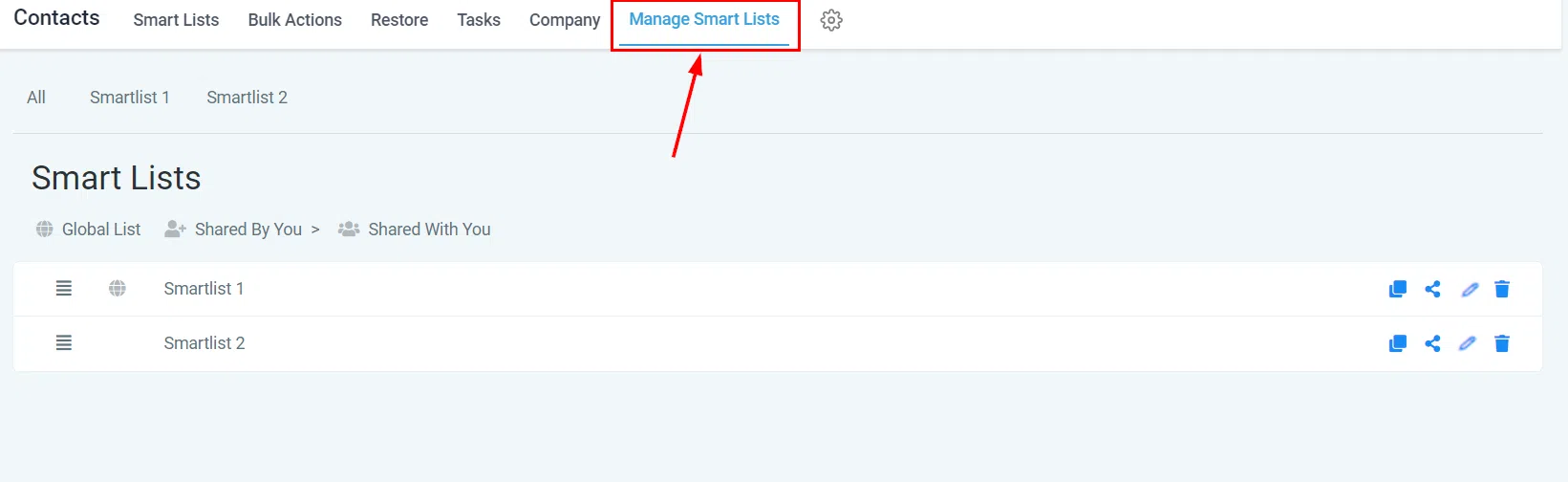
Smart List Card
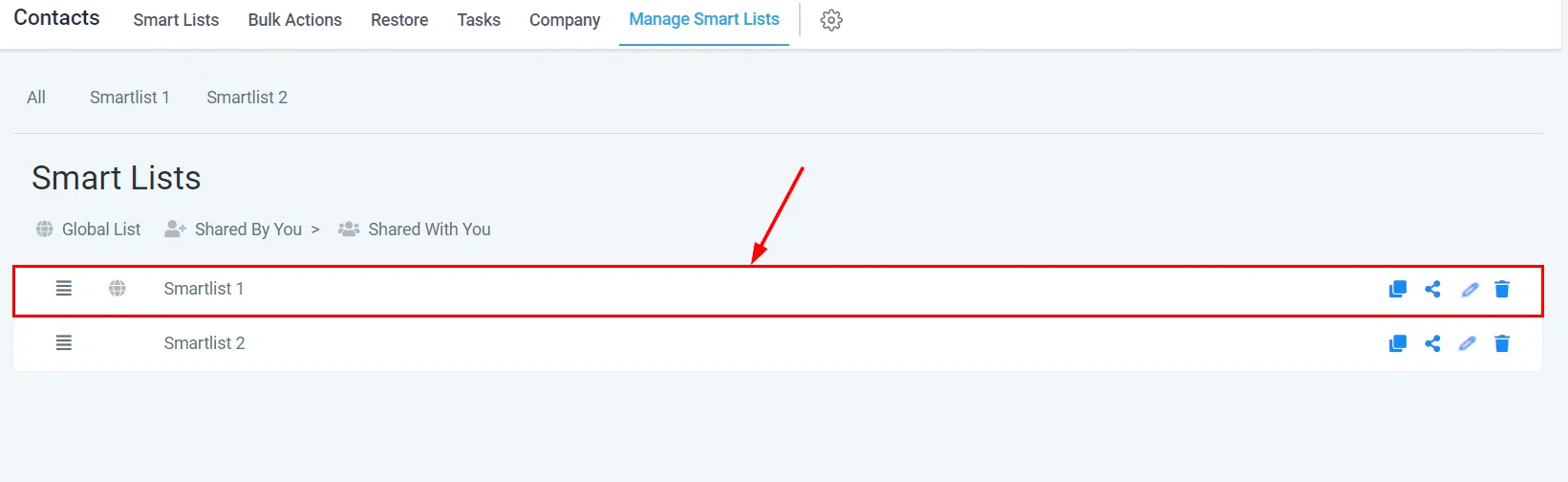
Each smart list is assigned a unique card. On the far right of each card you’ll find quick action buttons for streamlined management.
Drag and Drop
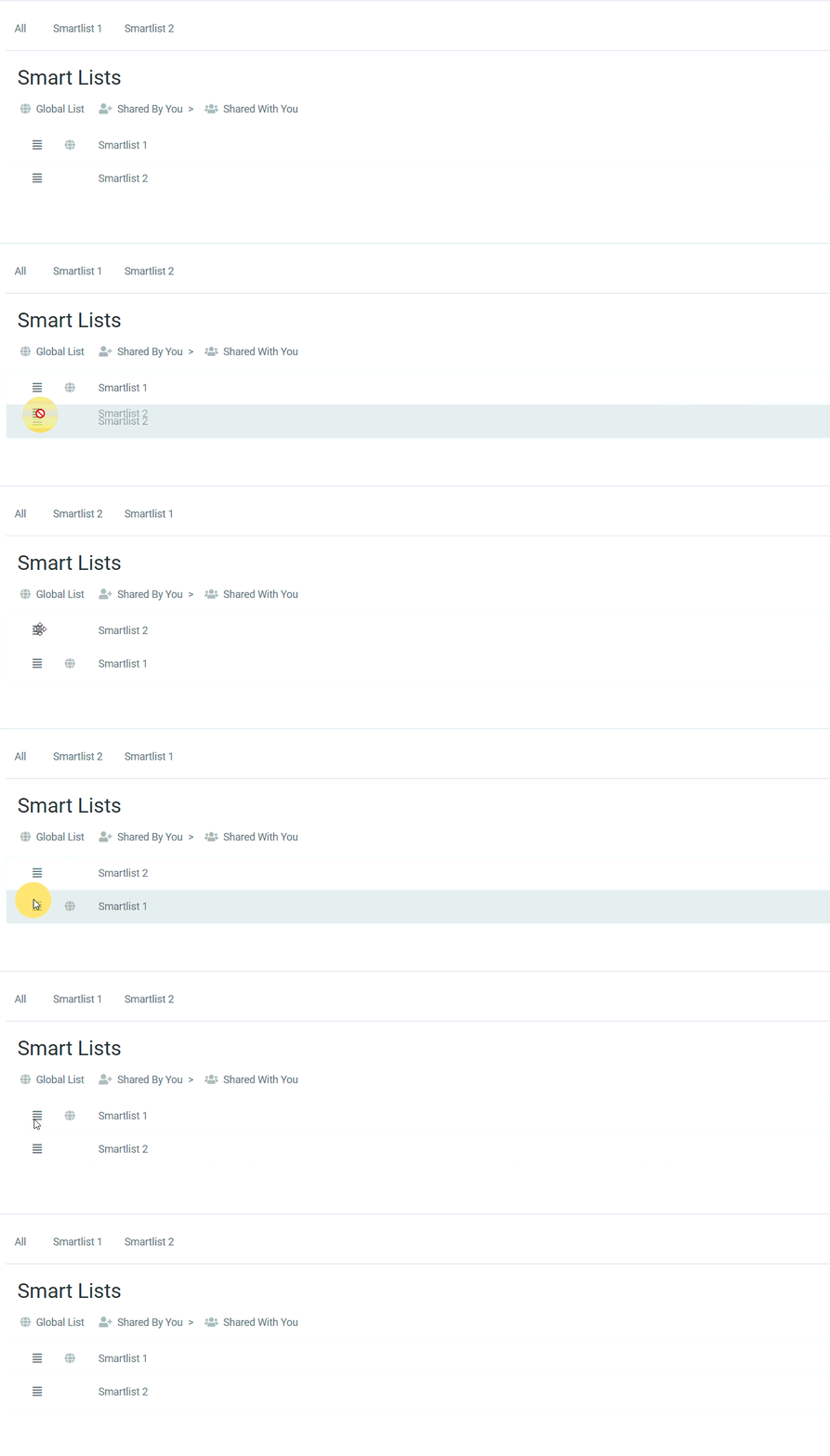
Use the drag-and-drop icon to reposition smart lists within the table, creating a customised arrangement to suit your workflow.
Duplicate Smart List
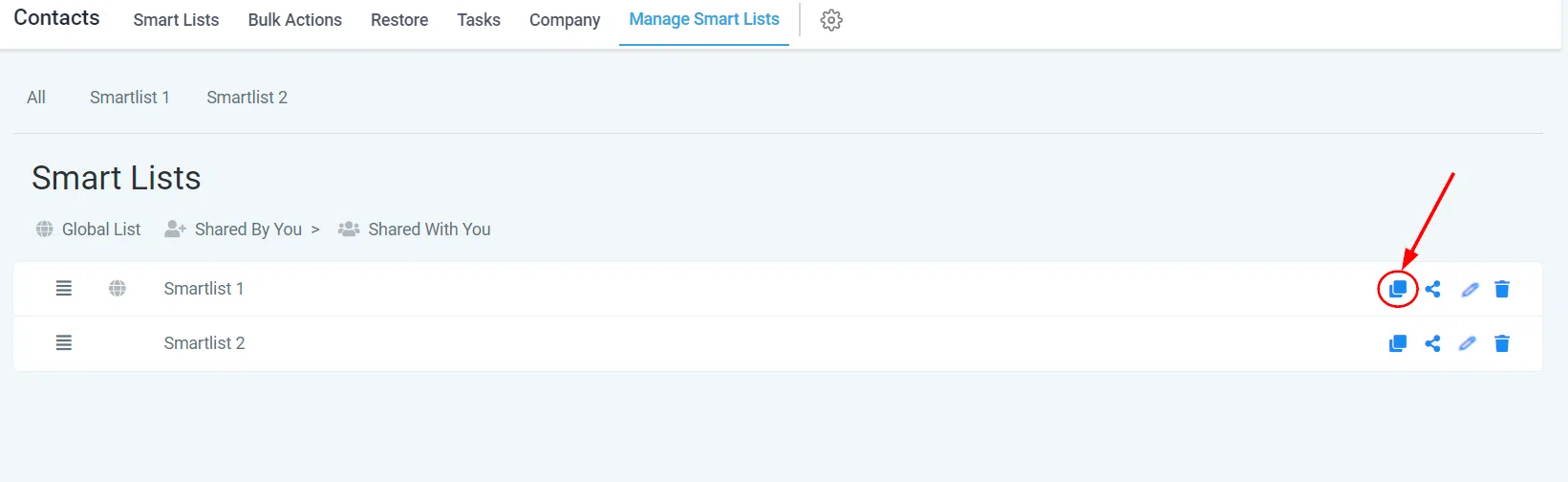
Use this button to create a copy of an existing smart list – useful for replicating a set of filters from another list.
Sharing Smart Lists
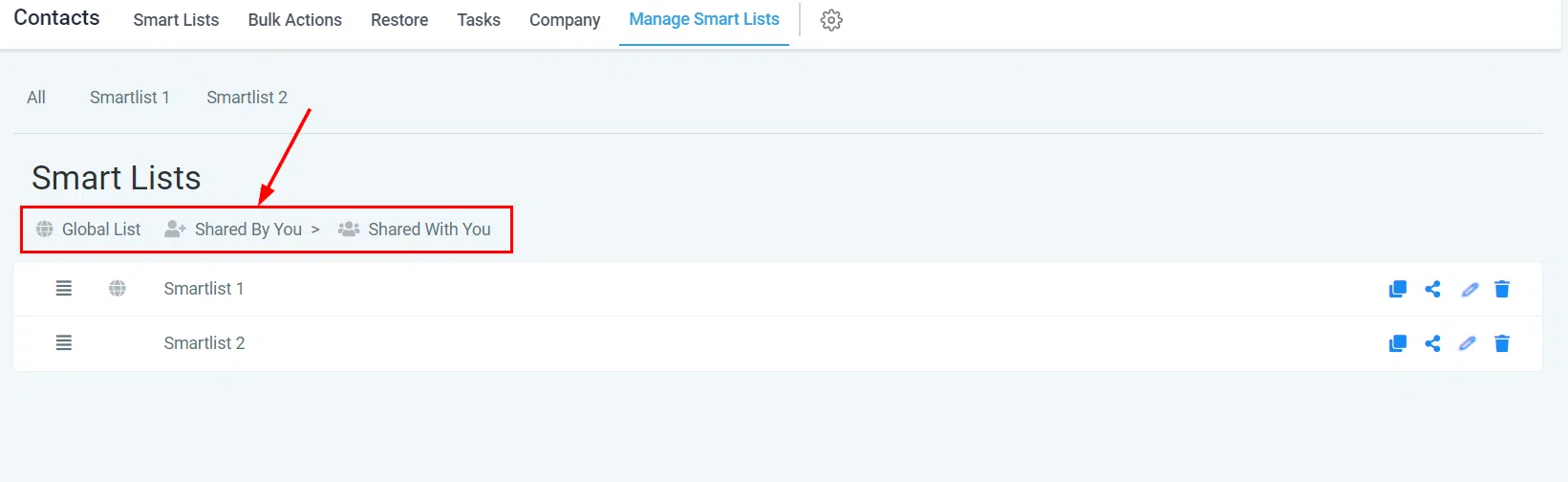
You can share smart lists with all users or select individuals. Icons next to each smart list indicate the sharing status:
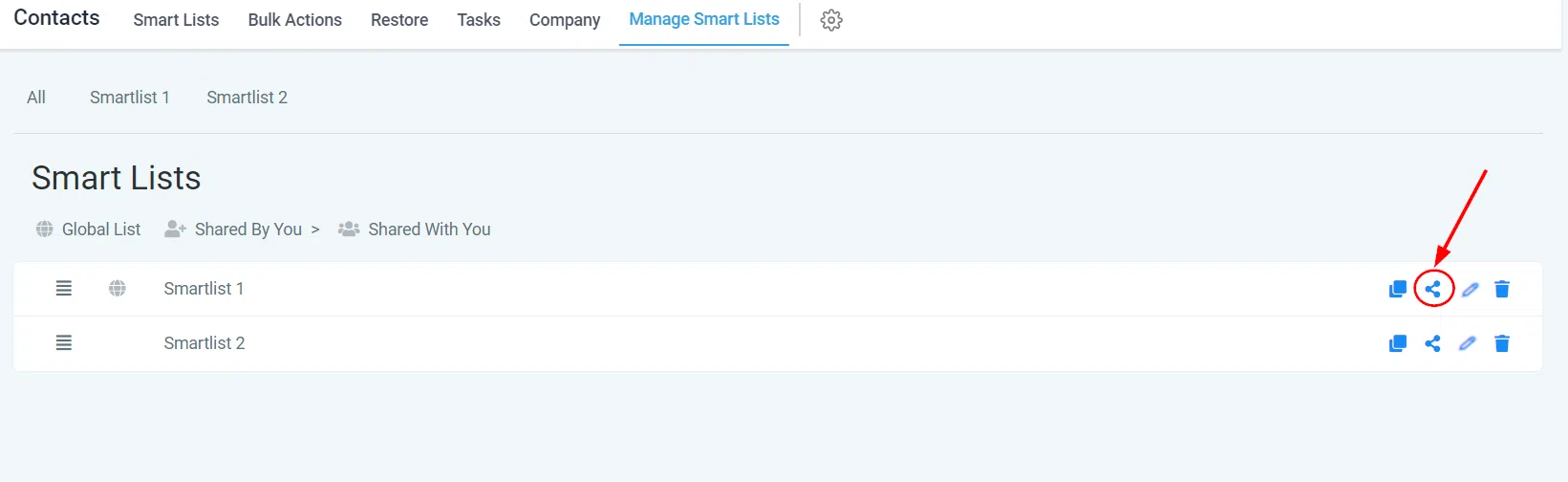
- Globally Shared: The smart list is shared with every user in your account.
- User-Created Share: The smart list was created by you and shared with others.
- Shared with You: The smart list was created by another user and shared with you.
Smart lists without an icon are only visible to you.
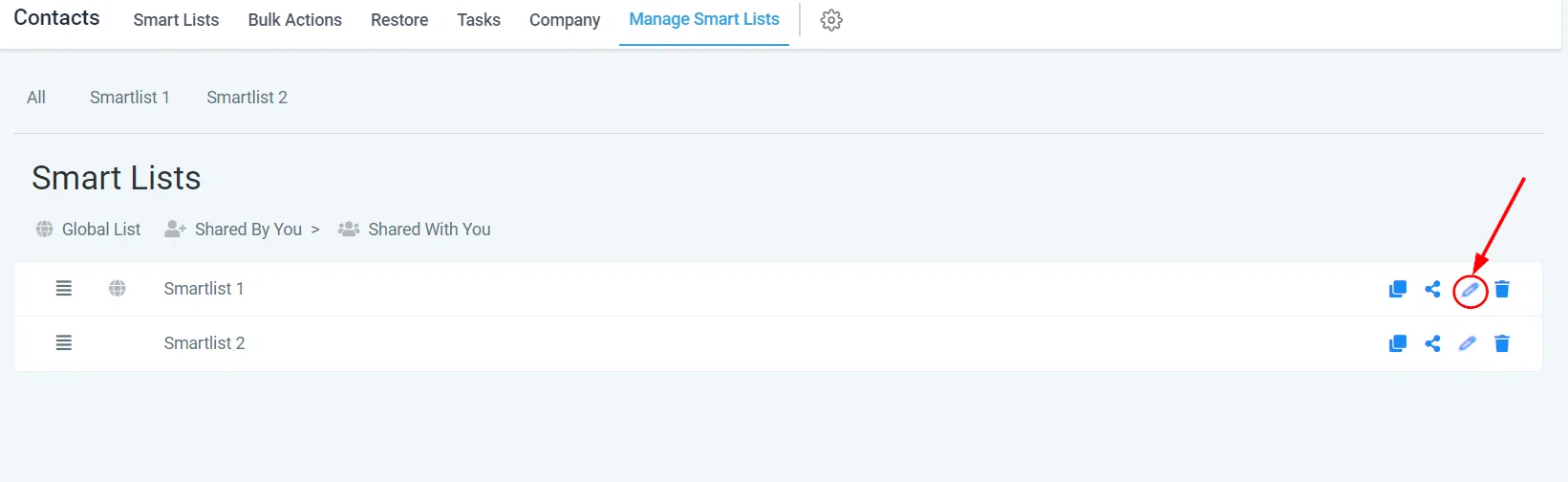
Edit Smart List Name
Use this button to modify the name of your smart list.
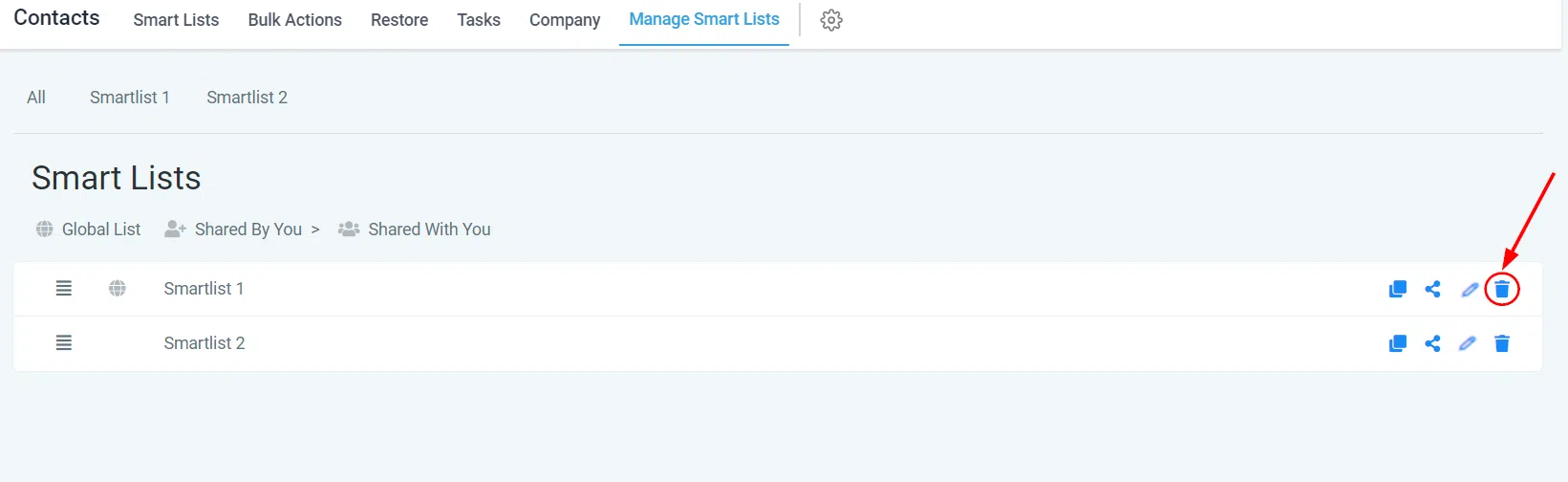
Delete Smart List
To delete a smart list, select this button. The contacts within the list will remain in your account. To delete a smart list you have shared, you must first revoke access for all other users.