The Reputation section in Growth360 gives you a full picture of your review activity – all in one place.
Track review requests, monitor trends, measure sentiment, and stay on top of what customers are saying across different platforms.
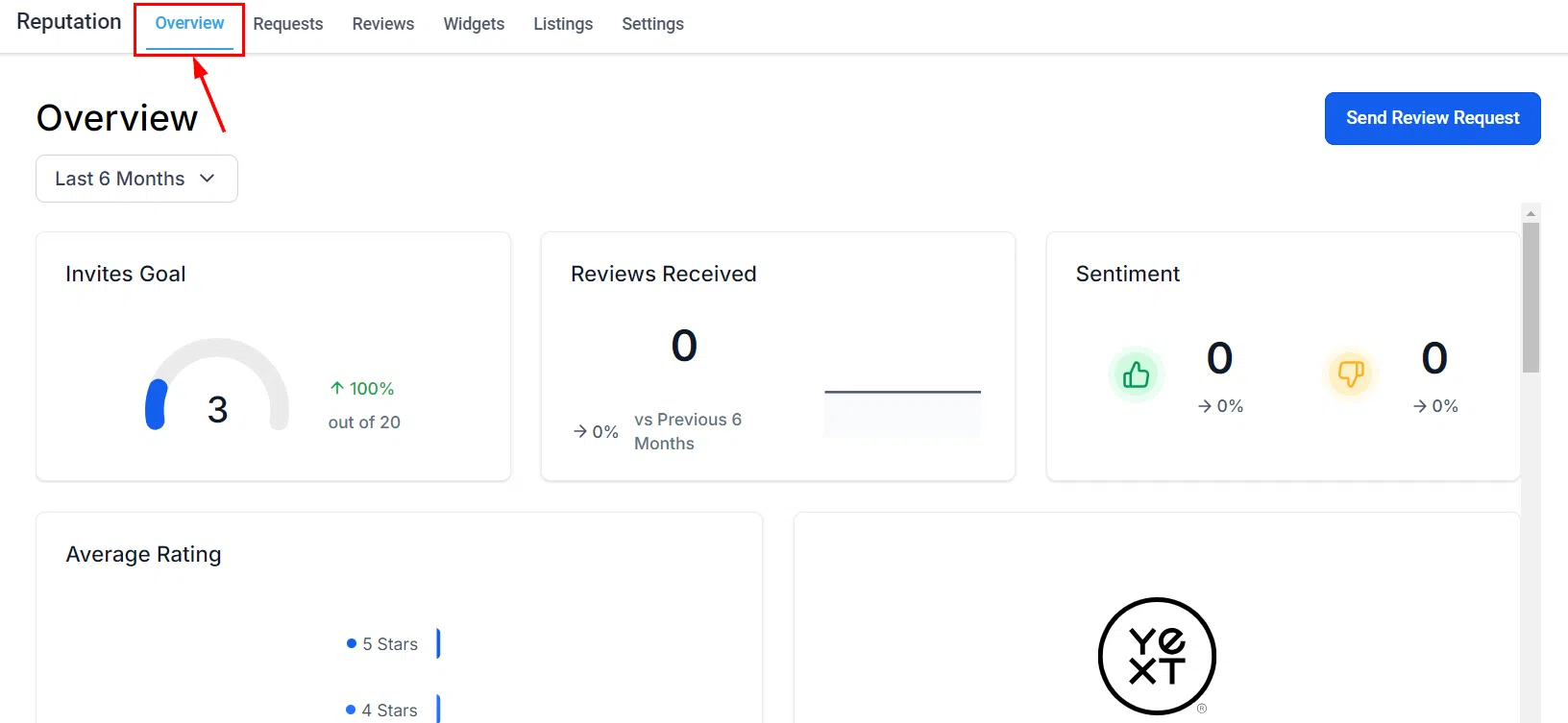
Date Range
Use the date range drop-down to adjust the timeframe shown across the dashboard tiles. Keep things current by focusing on the period that matters most to you right now.
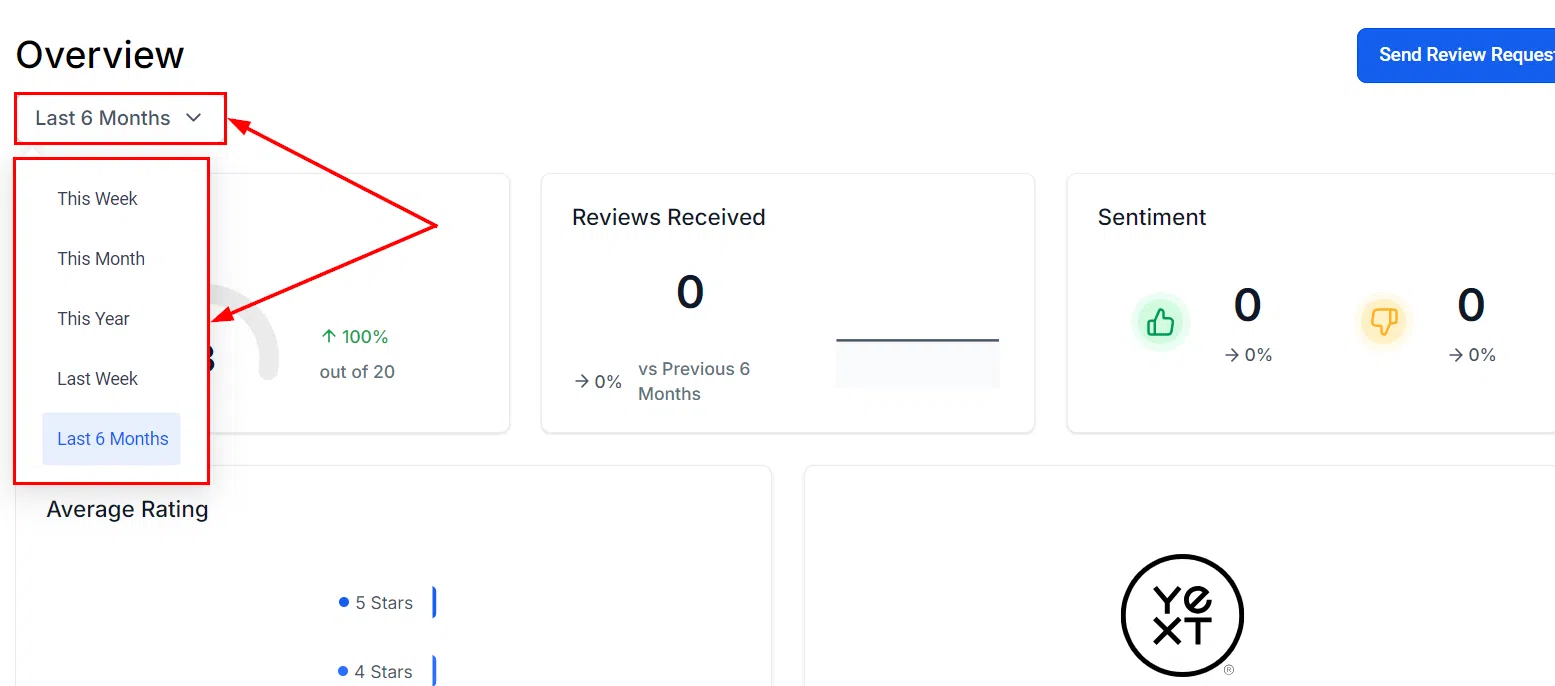
Send Manual Review Requests
Send a review request to an individual contact at any time using the Send Review Request button. Useful for following up personally or targeting specific clients.
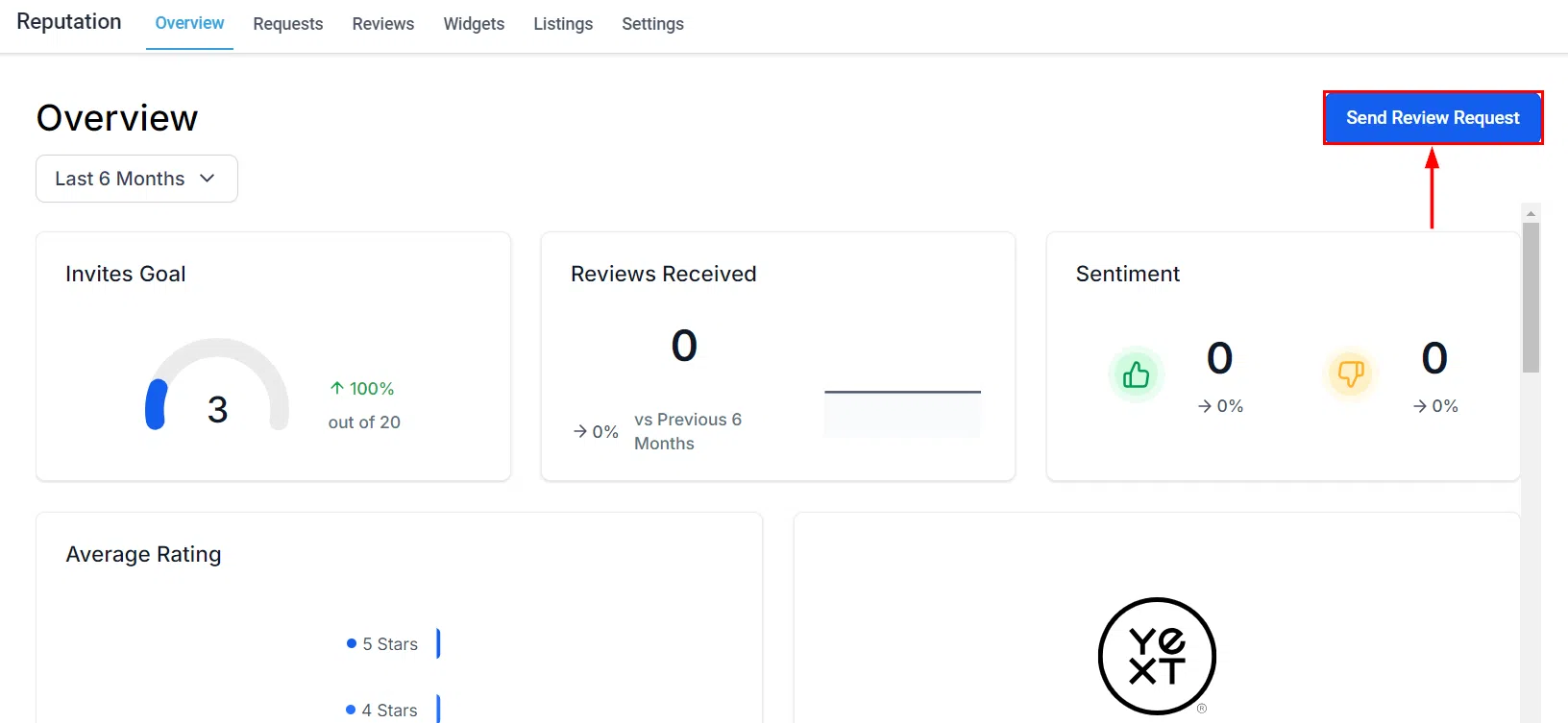
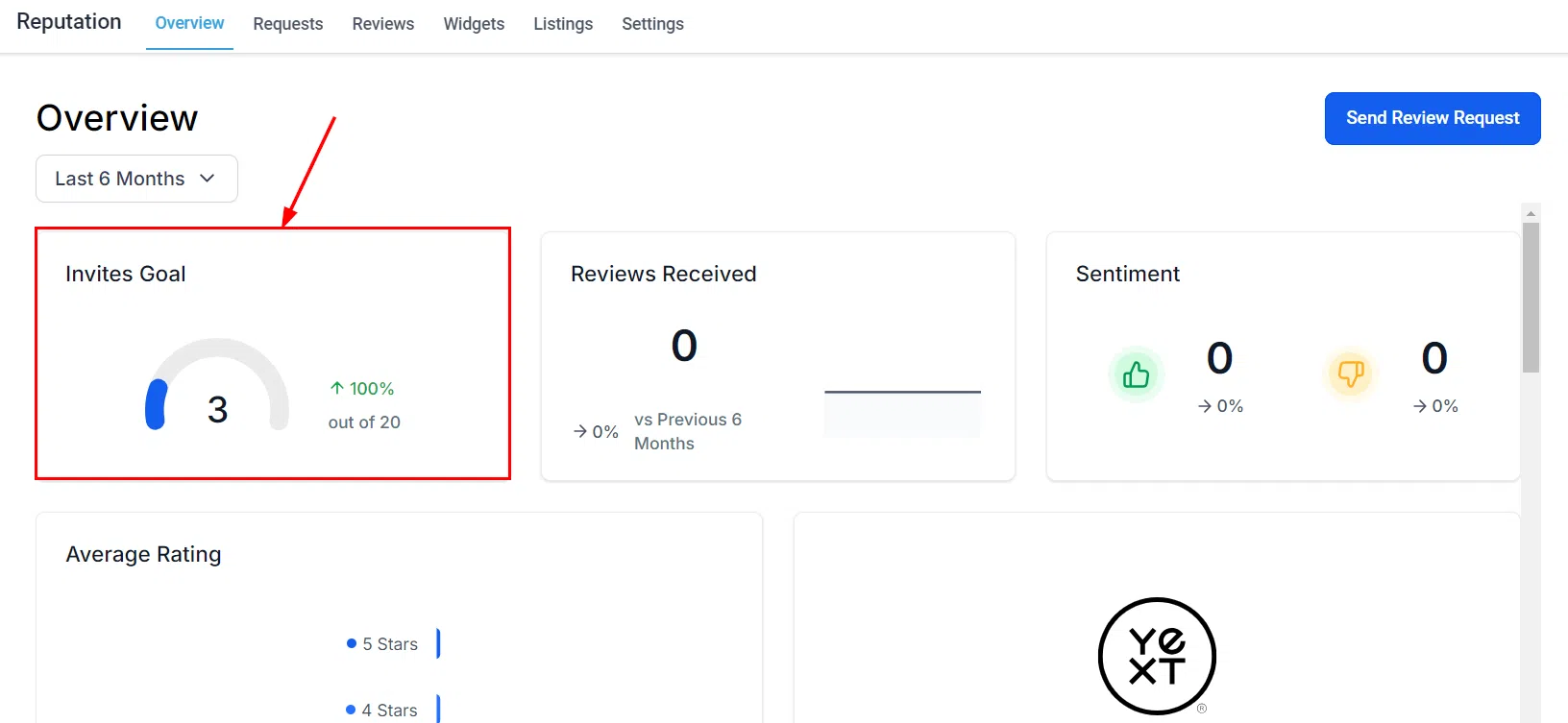
Invite Goals
Invite Goals give you progressive targets to work towards as you send review requests. The goals increase incrementally as you hit them, helping you build a consistent habit of collecting customer feedback.
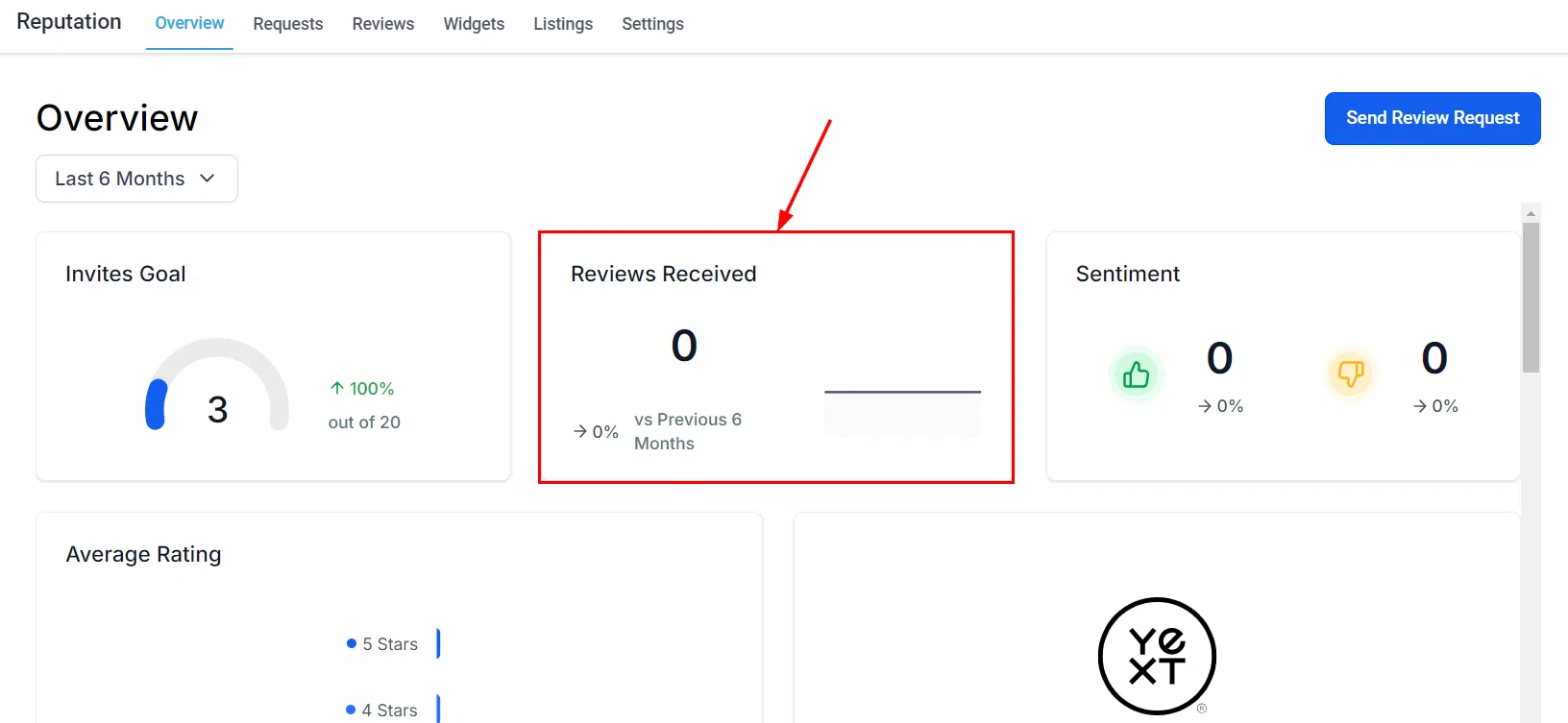
Reviews Received
See a summary of total reviews received in your selected timeframe, with percentage changes compared to the previous period. The source breakdown shows which platforms are generating the most activity, so you can focus your energy where it counts.
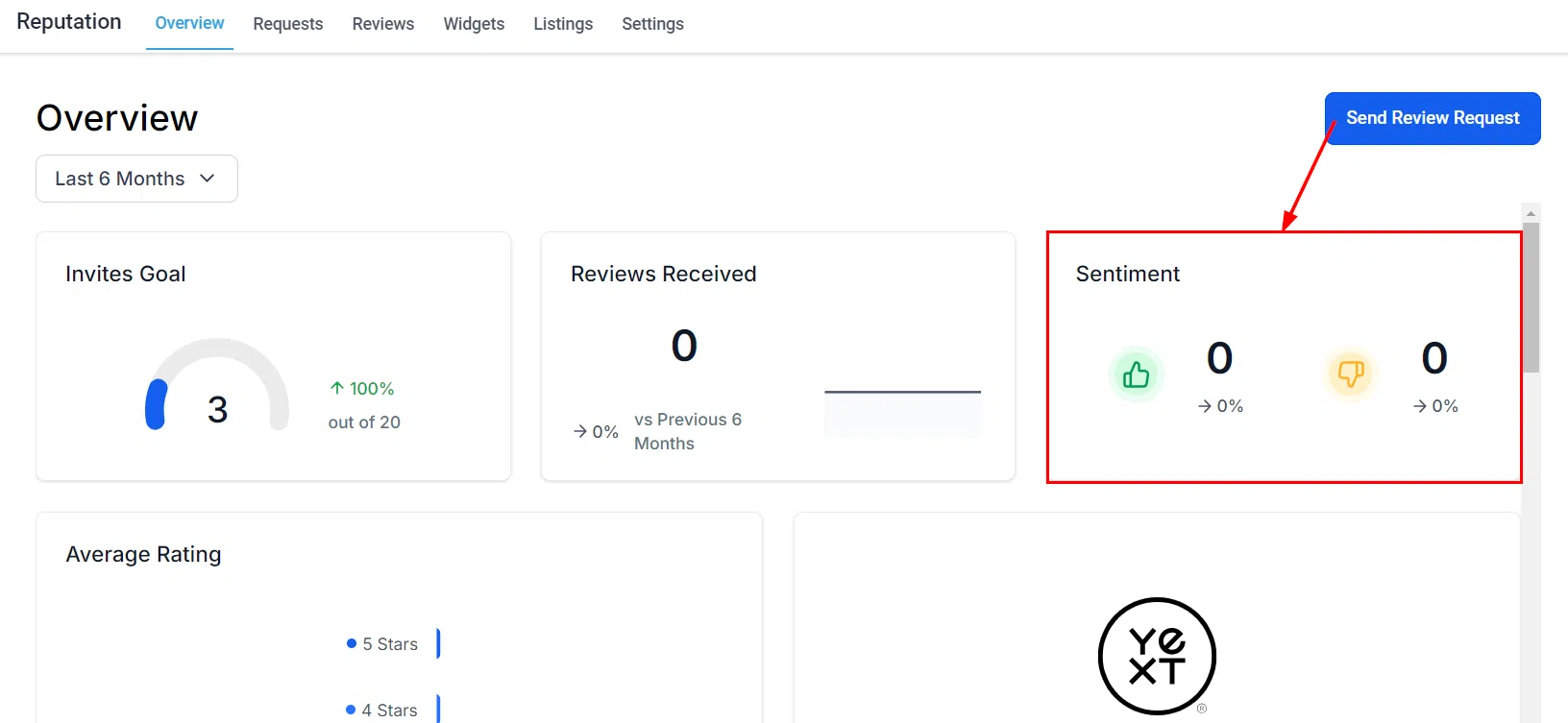
Review Sentiment
Reviews with 4 stars or above count as positive; 3 stars or below are negative. Track how sentiment is trending over time to spot shifts in customer satisfaction and identify areas to address.
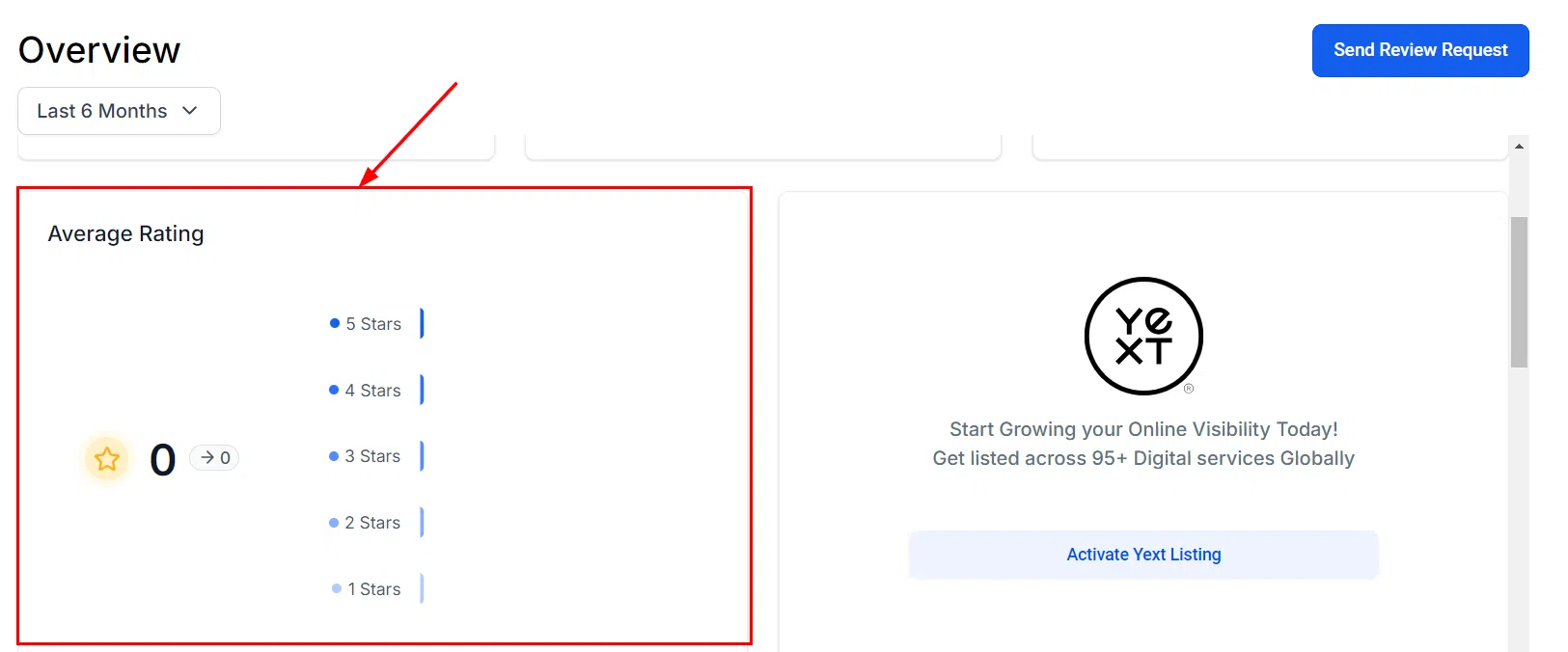
Average Review Rating
A visual graph of your review ratings over your selected period. The percentage change indicator makes it easy to see at a glance whether your overall rating is improving or declining.
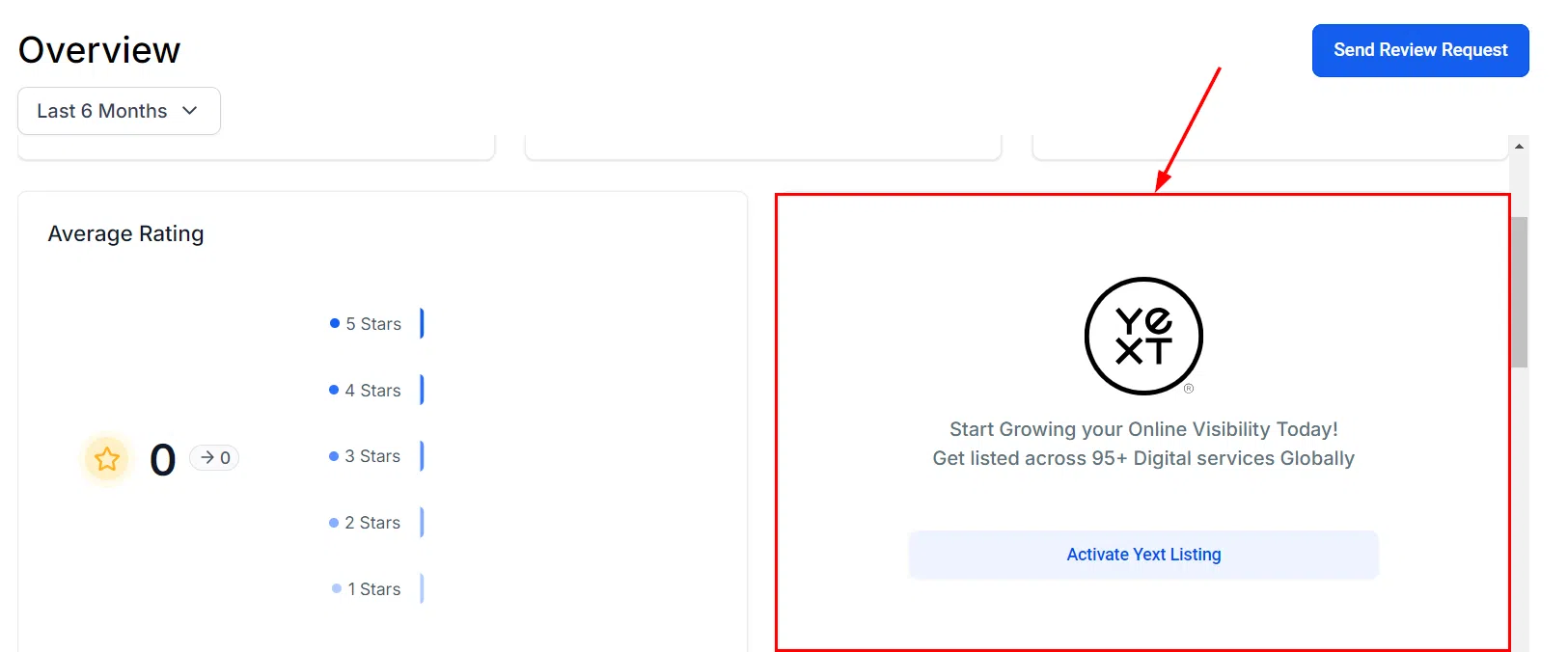
Listings (Yext)
This tile shows the current status of all your business listings – whether they’re live, processing, opted out, or unavailable. A quick health check for your online directory presence.
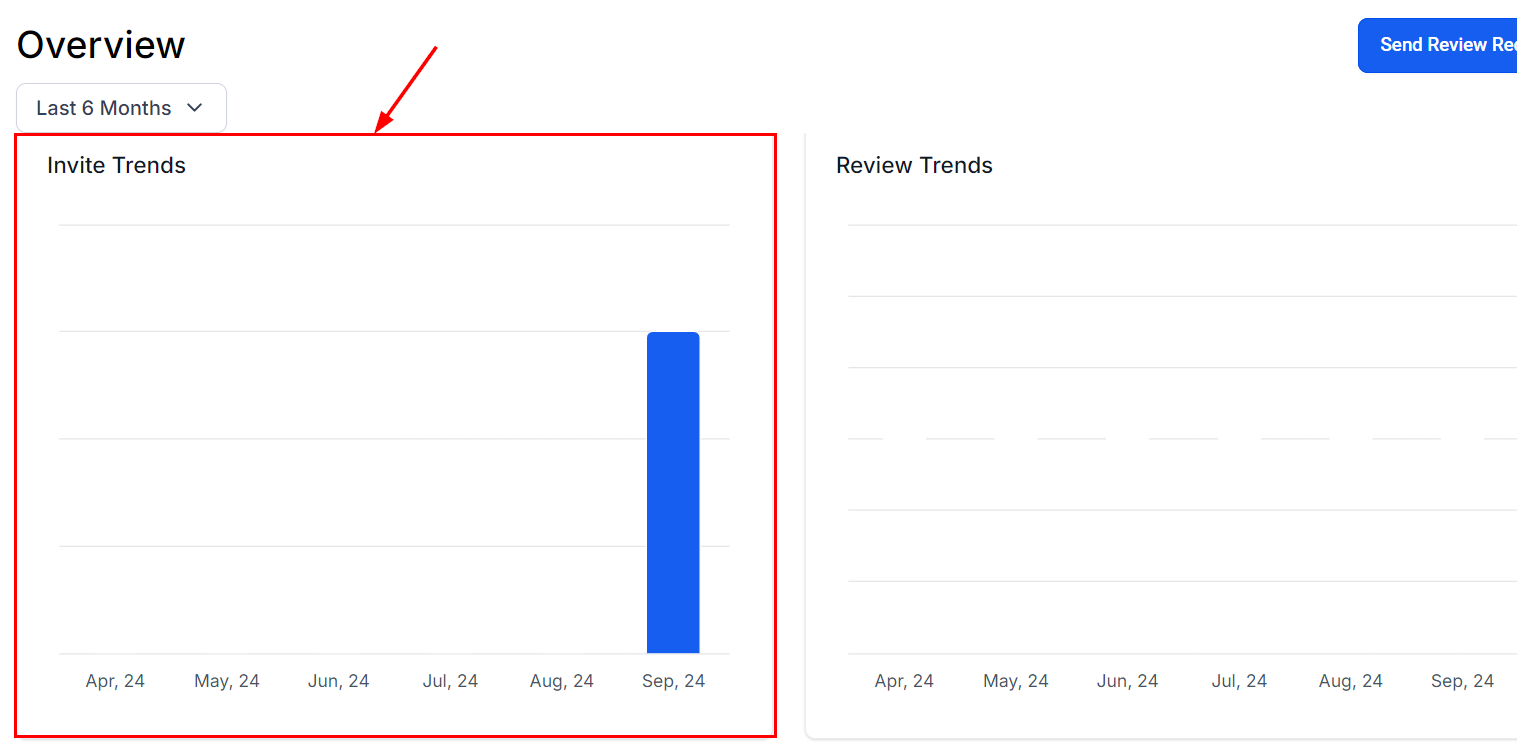
Invite Trends
Monitor how many review invitations you’re sending over time. Use this data to decide whether to increase your outreach cadence or stay the course.
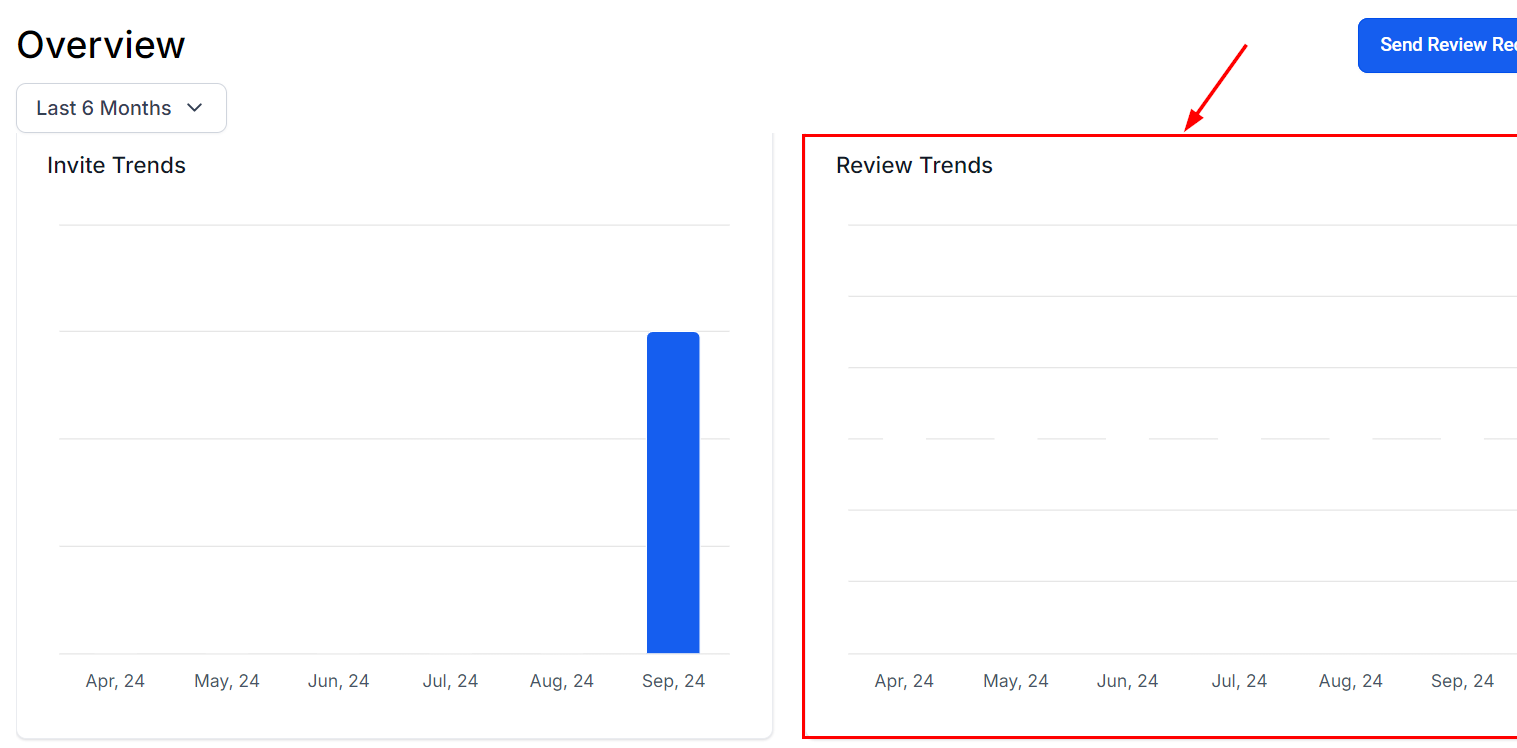
Review Trends
A trend graph showing review volume over a specified period. Useful for spotting spikes or dips in customer feedback and understanding what’s driving them.
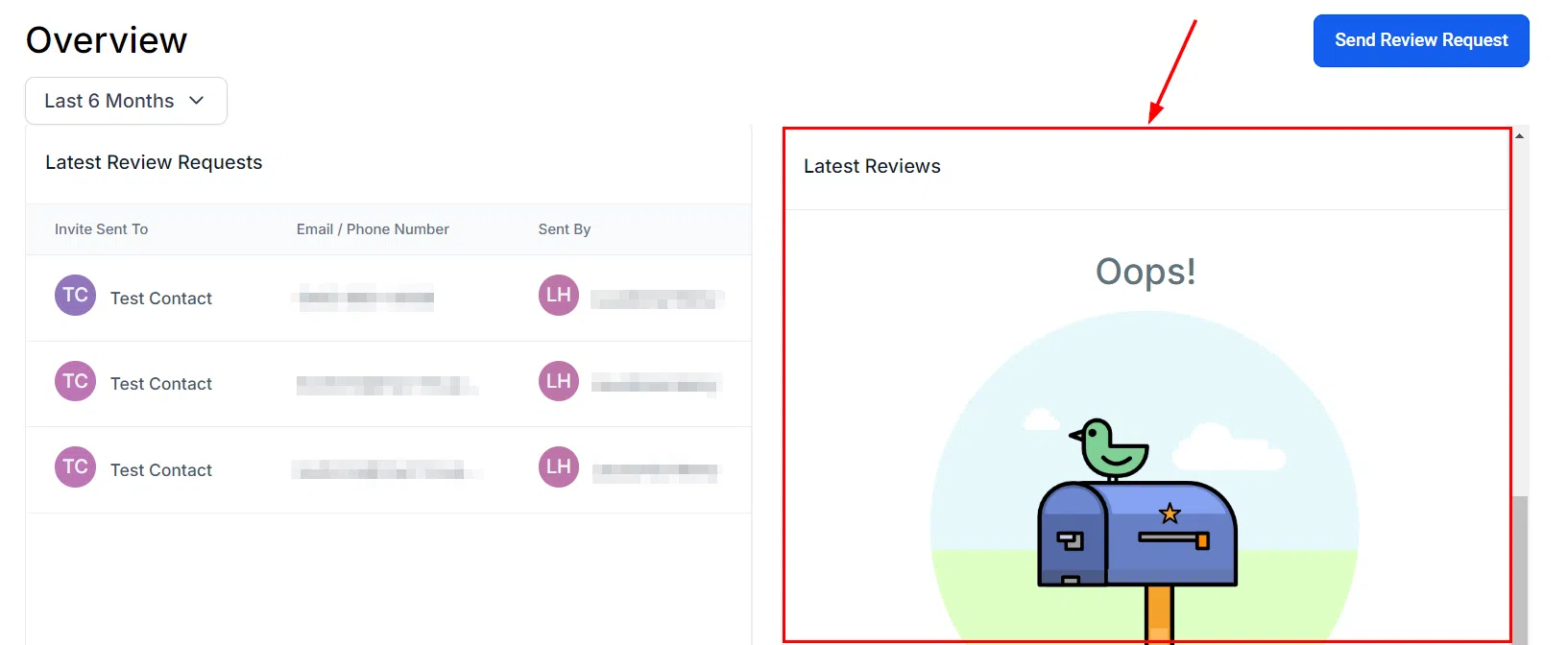
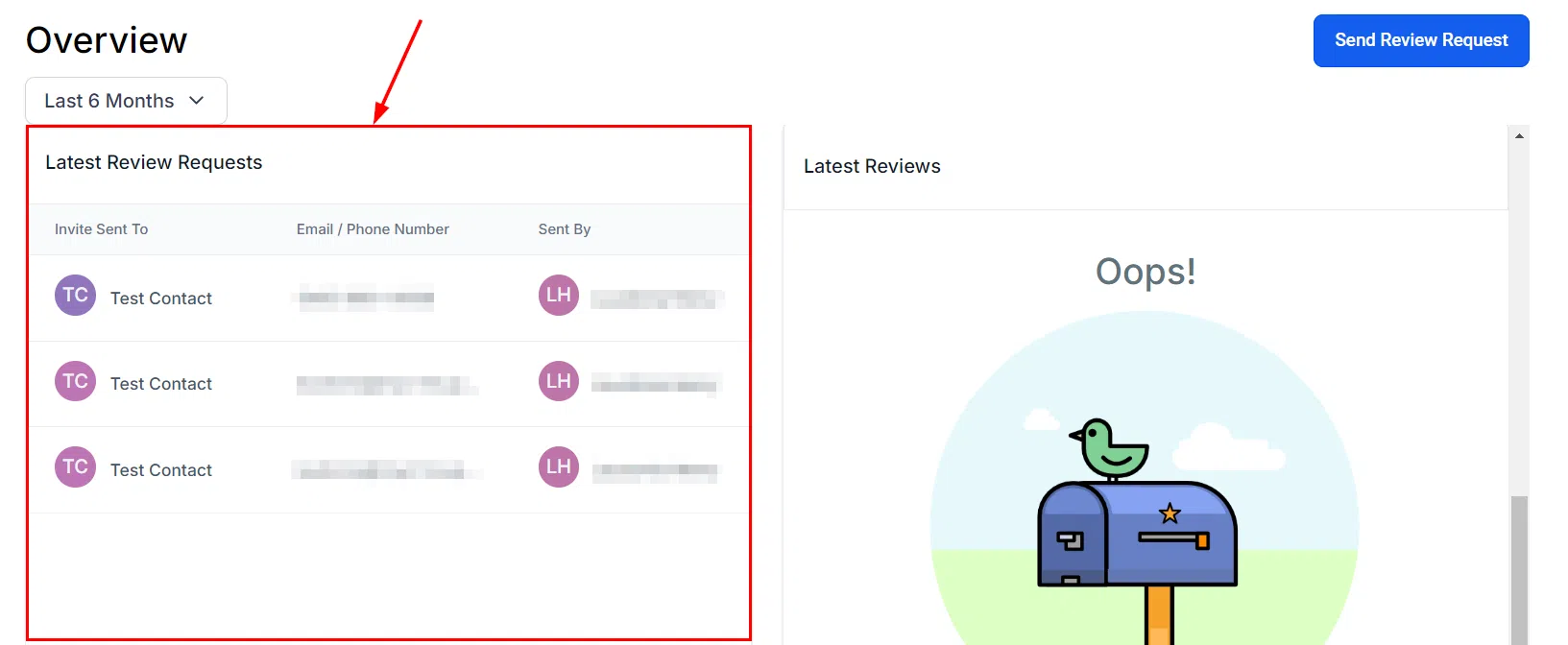
Latest Review Requests
A detailed list of your most recent review requests, including recipient names, contact method, and the date the request was sent. Handy for following up or checking whether a specific request went out.
Latest Reviews
See your most recent customer reviews at a glance – submission date, star rating, and which platform they came from.