The Funnels section in Growth360 is where you build and manage the sales funnels used in your marketing campaigns.
Funnels can be as short or as long as you need, and they work across a wide range of use cases – from simple lead capture pages to multi-step sales sequences. You’ll add your funnel steps first, then layer in elements like products and forms from there.
Note: You can build and edit funnels without a connected domain. To publish a funnel and make it publicly accessible, you’ll need to connect a domain first. Some features may be restricted depending on your user permissions.
To get started, go to Sites in the left sidebar and click the Funnels tab.

Create Folder
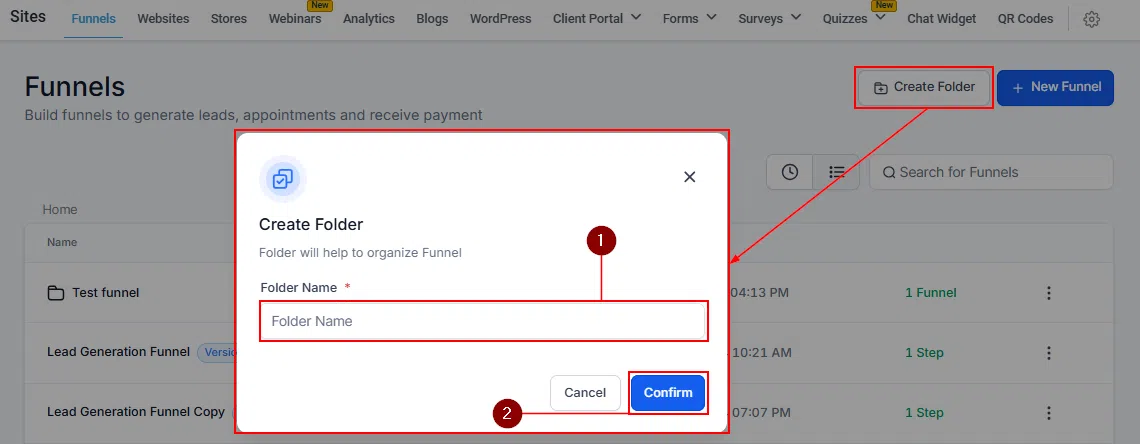
Keep your funnels organised by grouping them into folders. Click Create Folder, give it a name, and save.

Create New Funnel
Click + New Funnel to start a new funnel. You can build from blank, let Funnel AI generate a starting point, or choose from a template. Name your funnel and hit Create.


Sort by Recent or List
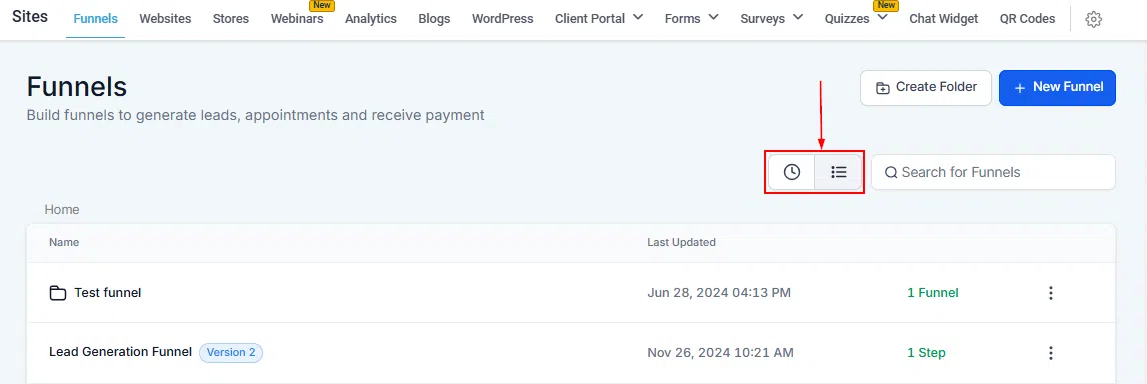
Switch between two sort views using the icons at the top of your funnel list. The clock icon (Recent) puts your most recently updated funnels at the top. The List view organises funnels by folder, then alphabetically.
Search Funnels By Name
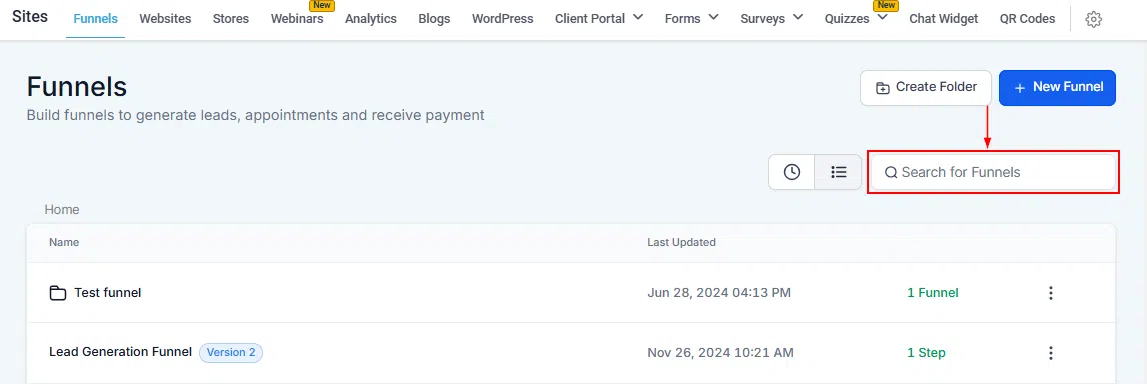
If you have a large number of funnels, use the search bar to find one by name rather than scrolling through the list.
Funnel List
The Funnels page shows all your existing funnels and folders as cards. Each card displays:

- Funnel name: The name of your funnel. Edit it from inside the funnel’s settings.
- Last updated: The date and time the funnel was last edited.
- Steps: The total number of steps inside the funnel.
Funnel Actions
Click the three-dot icon on any funnel card to access its actions:

- Edit: Open the funnel to edit its settings, pages, or steps.
- Clone: Duplicate the funnel with all its existing content intact – great for creating variations without starting from scratch.
- Move to Folder: Relocate the funnel into a different folder.
- Upload to Funnel Templates: Save the funnel as a reusable template.
- Share: Share the funnel with team members or collaborators.
- Delete: Permanently delete the funnel. You’ll be prompted to type DELETE to confirm. This cannot be undone.
Funnels are one of the most powerful tools in Growth360 for running campaigns and driving conversions. Use folders to stay organised, take advantage of templates and AI to build faster, and clone existing funnels when you need variations. Once your domain is connected, you’re ready to publish.