Growth360 lets you fulfil e-commerce store orders, track fulfilment status, generate packing slips and shipping labels, and manage partial fulfilments – all from within the Payments section.
Fulfilling an E-Commerce Store Order
Once a sale is made through your store or funnel, you can manage fulfilment directly in Growth360. Tracking fulfilment status helps you stay on top of stock levels, keep customers satisfied, and identify upsell opportunities.
How to Fulfil an Order
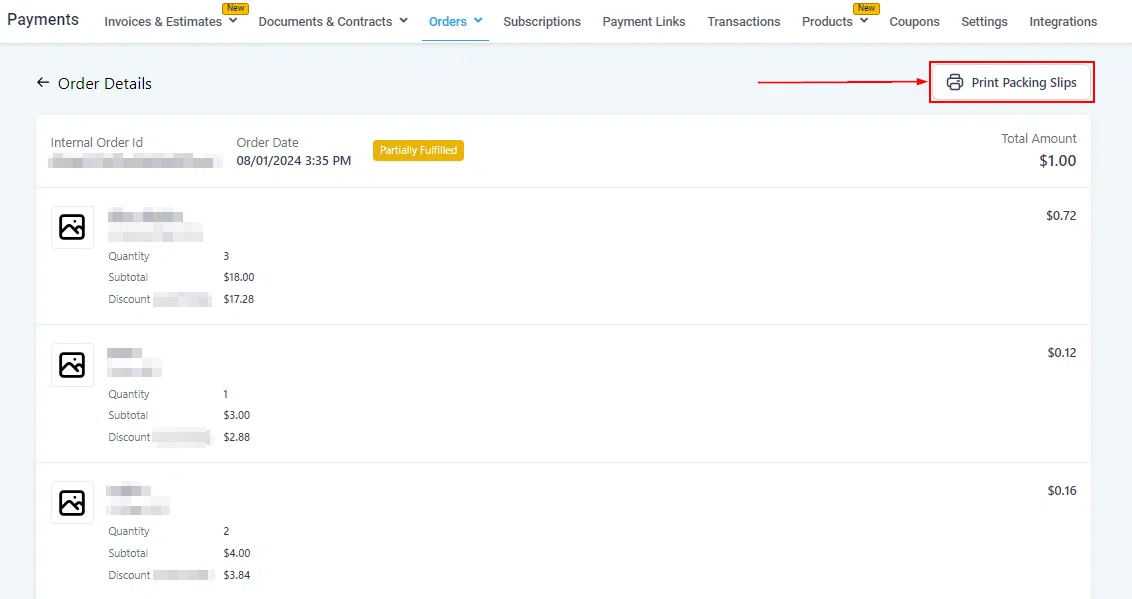
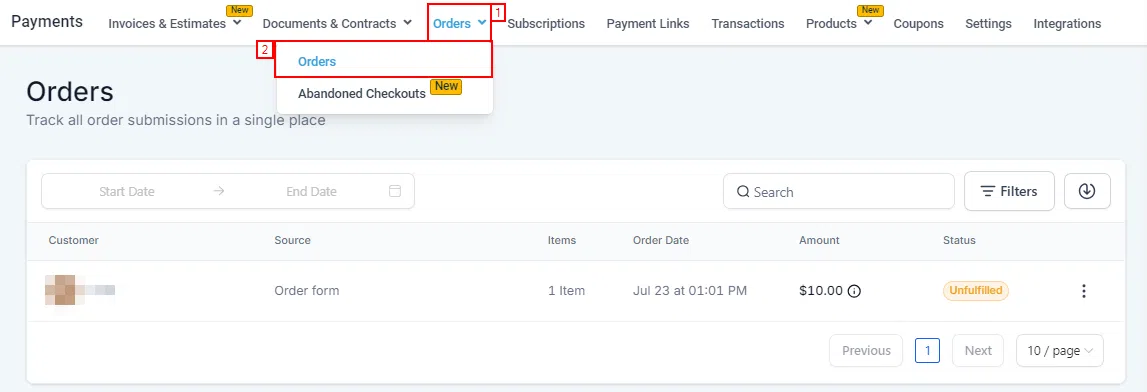
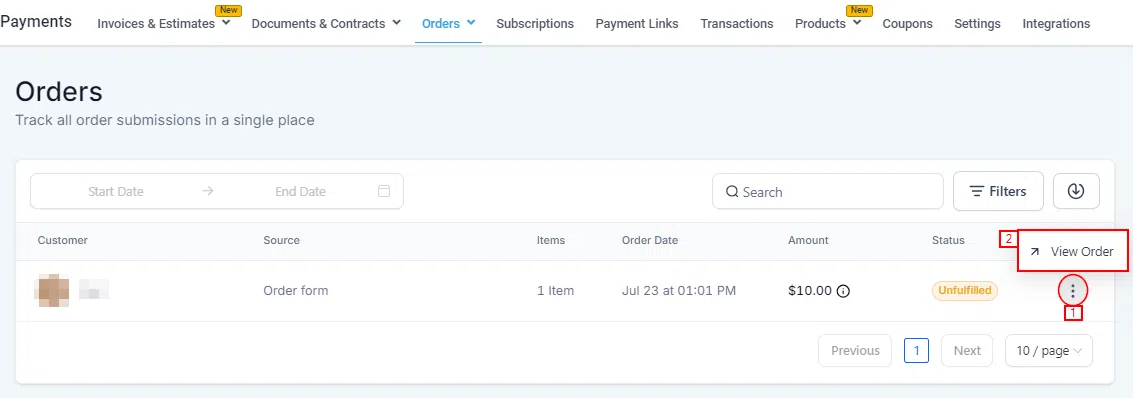
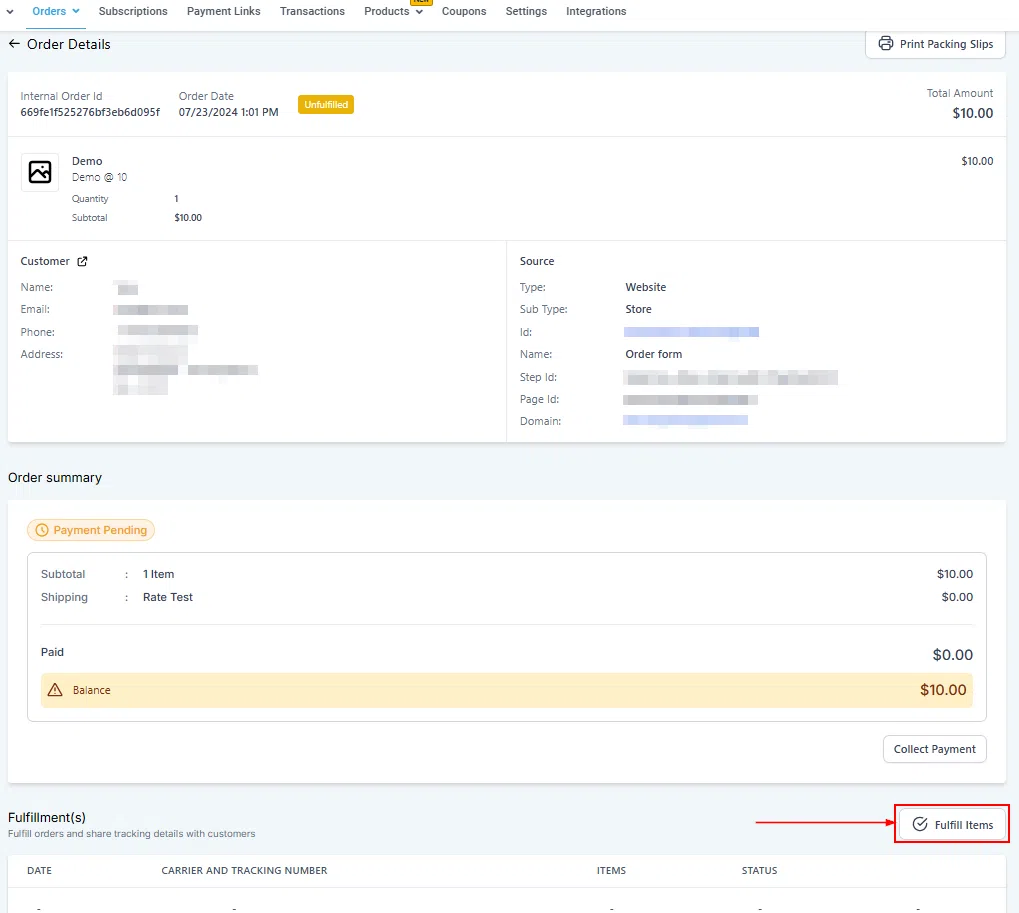
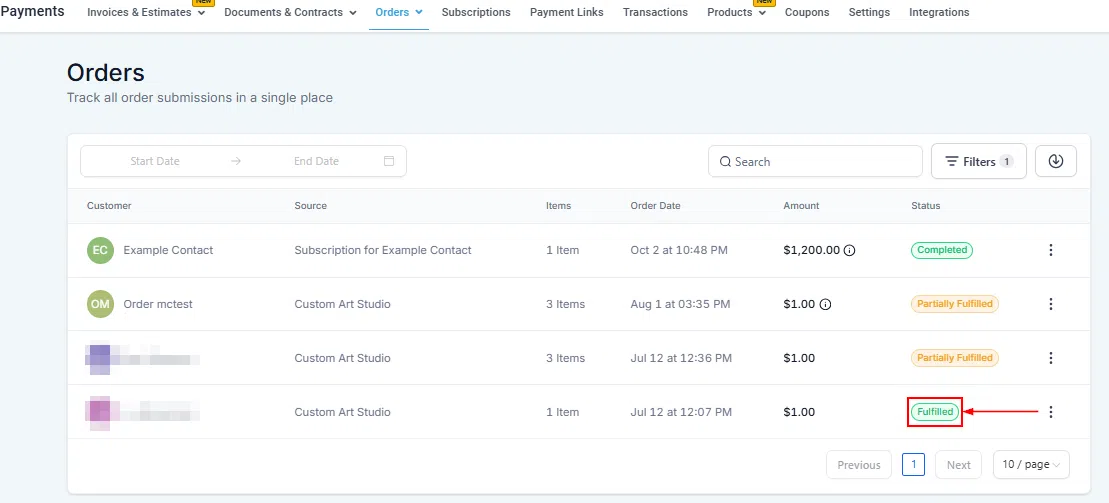
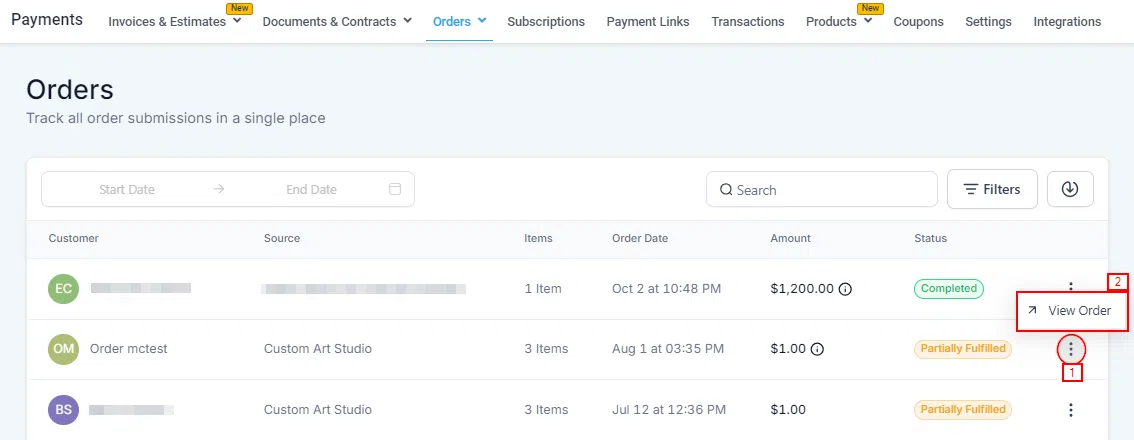
Go to Payments > Orders and locate the order you want to fulfil. Click the three dots icon next to the order and select View Order.
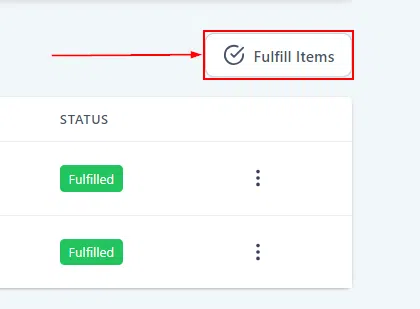
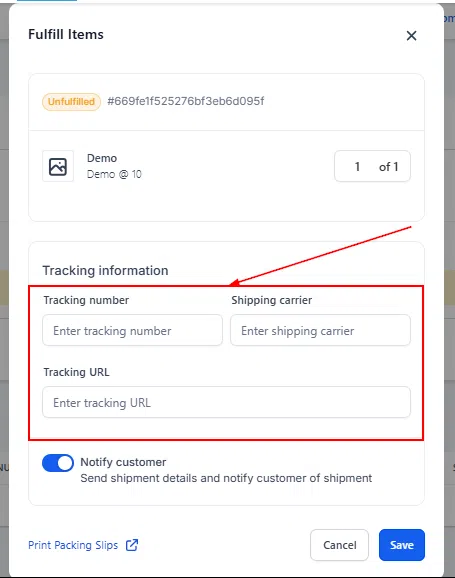
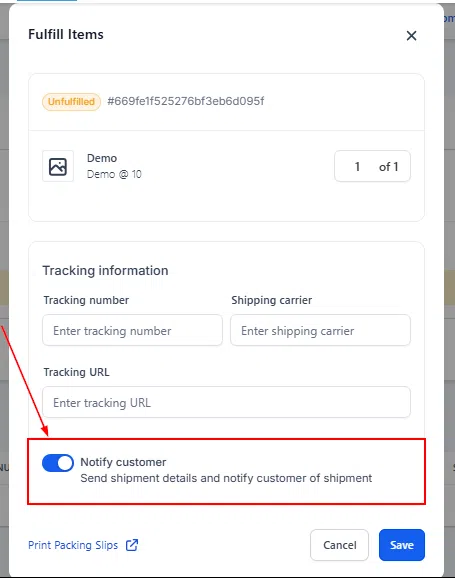
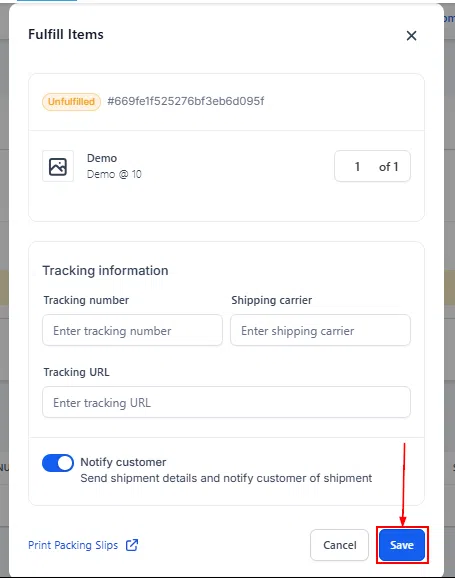
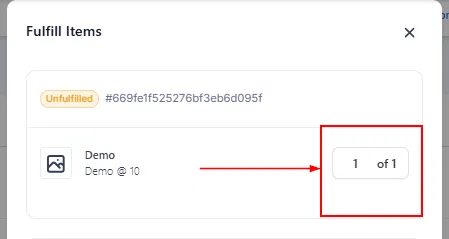
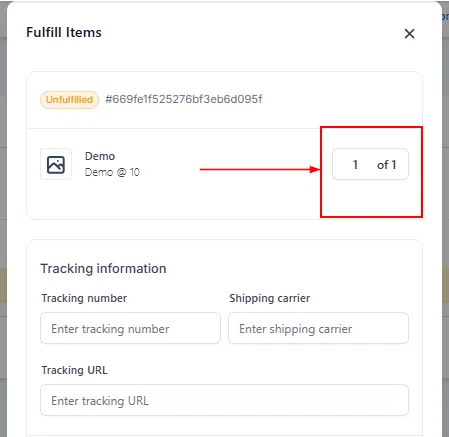
Inside the order detail page, click Fulfill Items to mark the order as fulfilled. You can fulfil all items at once or fulfil them partially.
Partial Fulfilment
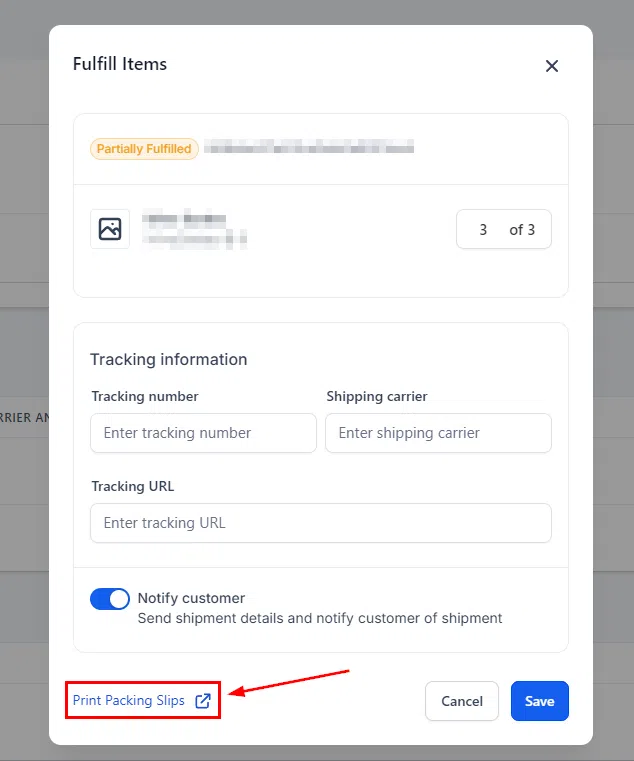
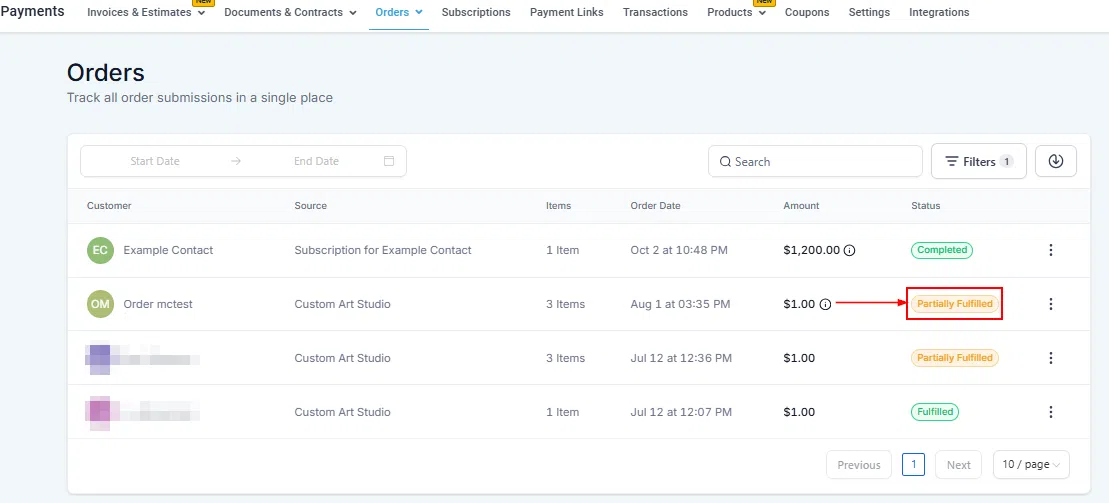
If only some items from an order are ready to send, you can fulfil them separately. Items already sent will be subtracted from the list so you can track what remains outstanding.

Printing Shipping Labels and Packing Slips
Generating shipping labels and packing slips directly from the order helps ensure accurate packaging and reduces the chance of missing items during fulfilment.
How to Generate Labels and Packing Slips
Go to Payments > Orders, click the three dots icon next to the order, and select View Order.

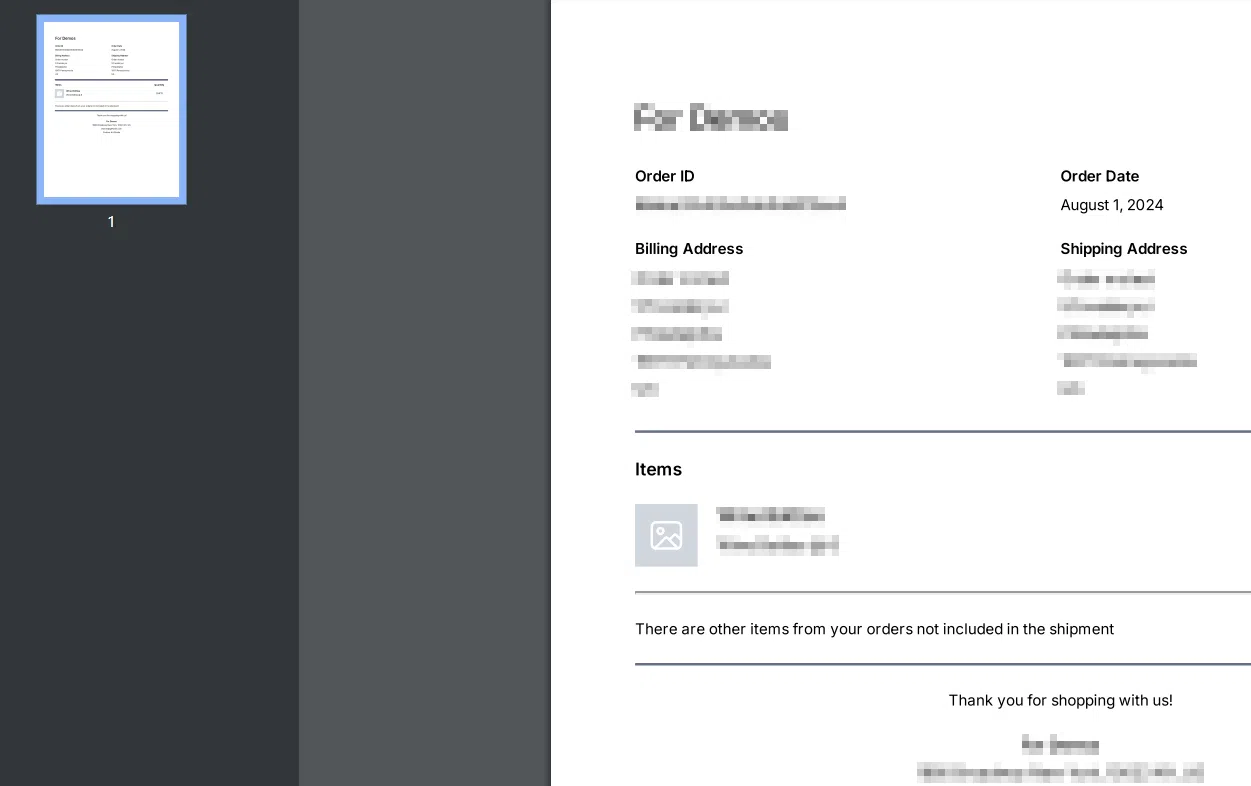
Inside the order, you can generate a packing slip for a partial fulfilment or for the entire order. Each generated document includes:
- Order ID
- Order Date
- Store Name
- Shipping Address and Billing Address
- Items and quantities