Growth360 supports additional payment gateways – Authorize.net, NMI, Razorpay, and Square – so you can process transactions through whichever provider suits your business and market.
Authorize.Net
Authorize.Net is an online payment service that supports credit card and eCheck payments. It works with U.S., Australian, and Canadian merchants and supports multiple currencies for international transactions.
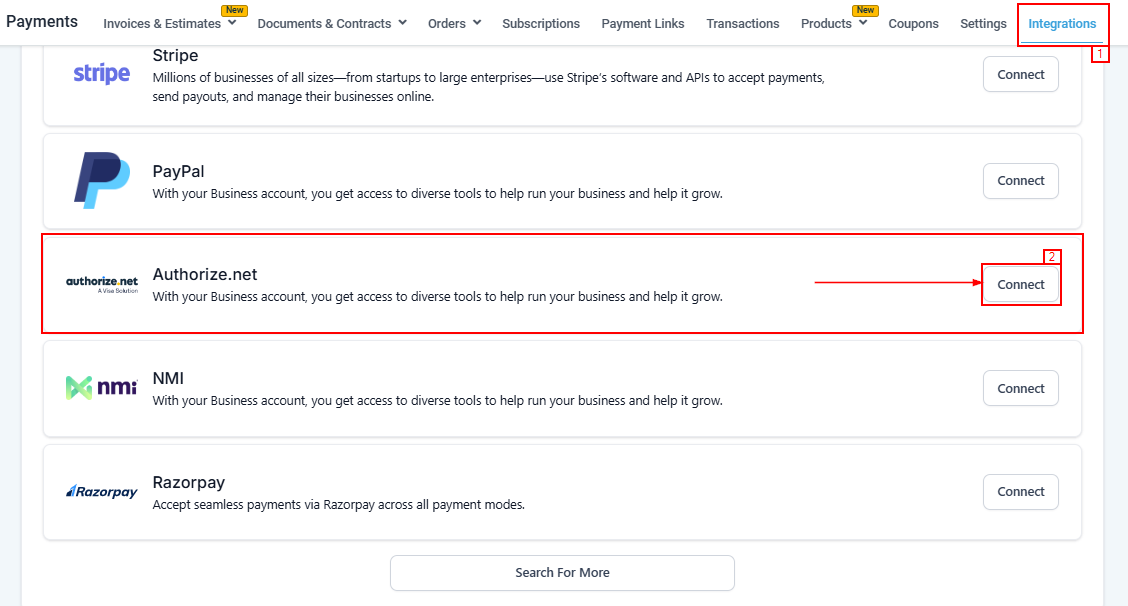
Connecting Authorize.Net
You’ll need your API Login ID, Transaction Key, and Signature Key from your Authorize.Net merchant interface. Log in to your Authorize.Net account to retrieve these – use the Live Merchant Interface for live keys and the Sandbox interface for testing keys.
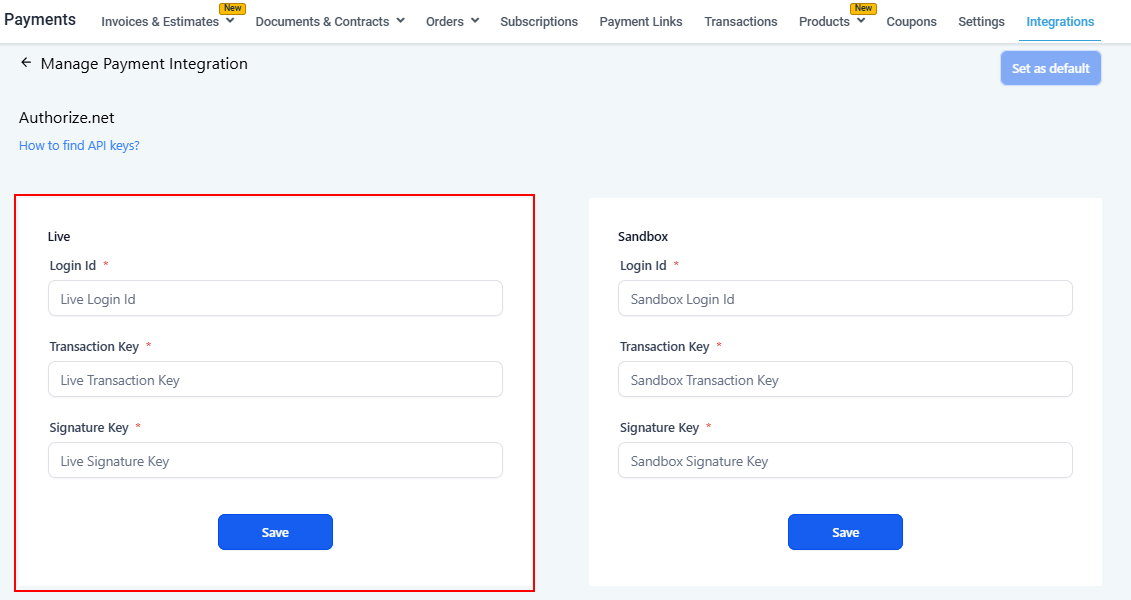
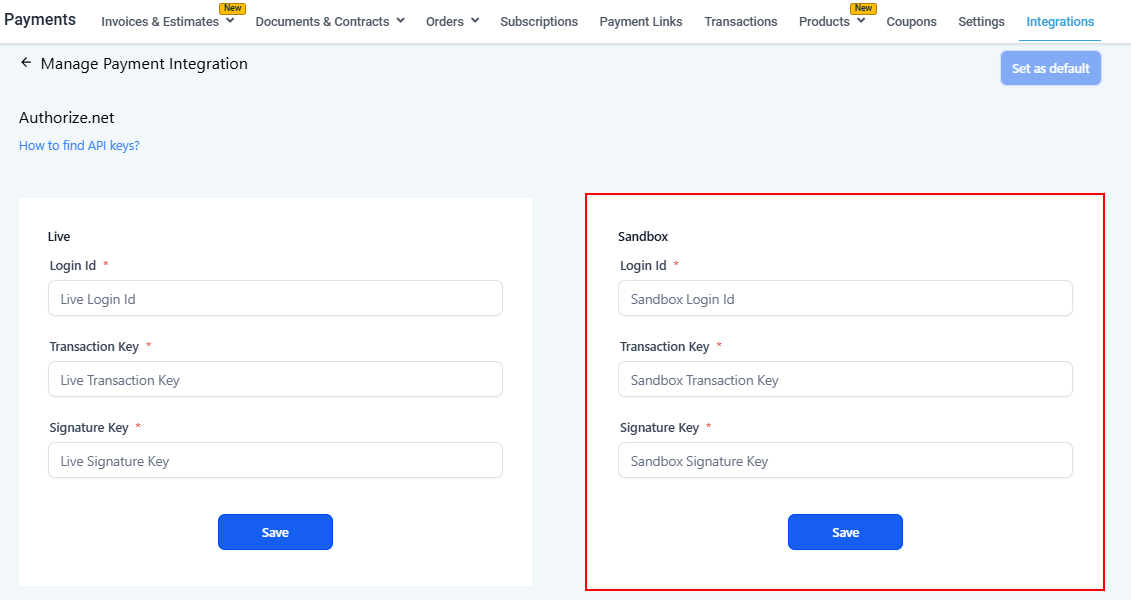
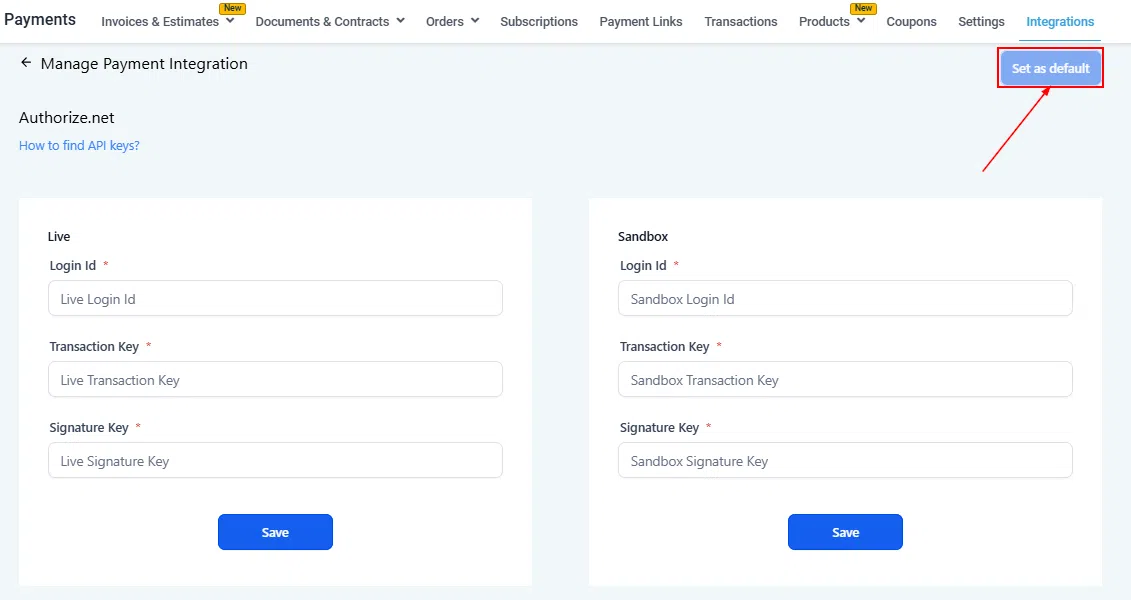
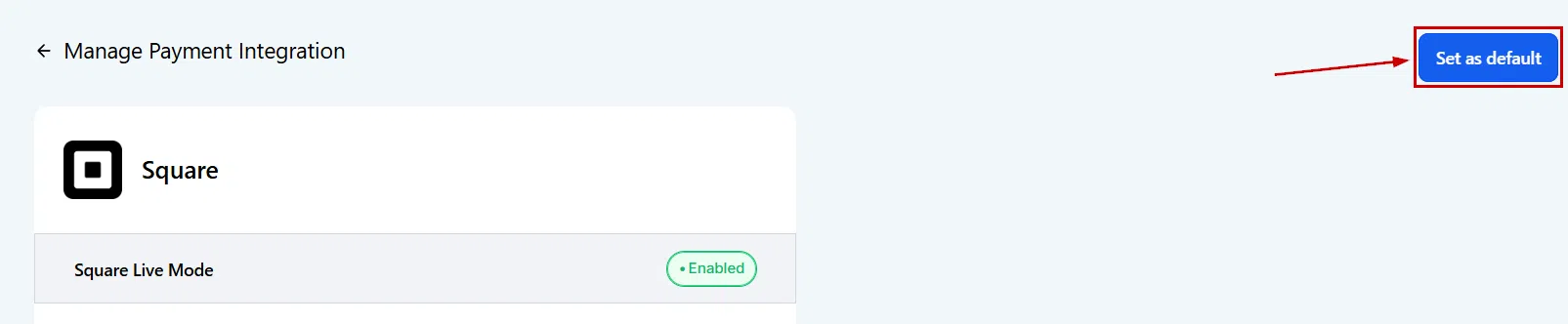
In Growth360, go to Payments > Payment Integrations and enter your API keys into the corresponding Live or Sandbox fields, then click Save. After connecting, click Set as Default to make Authorize.Net your active payment gateway.
NMI (Network Merchants Inc.)
NMI is a payment gateway supporting credit card and eCheck payments across websites, mobile apps, and point-of-sale. In Growth360, NMI works with order forms, invoices, and Text2Pay links.
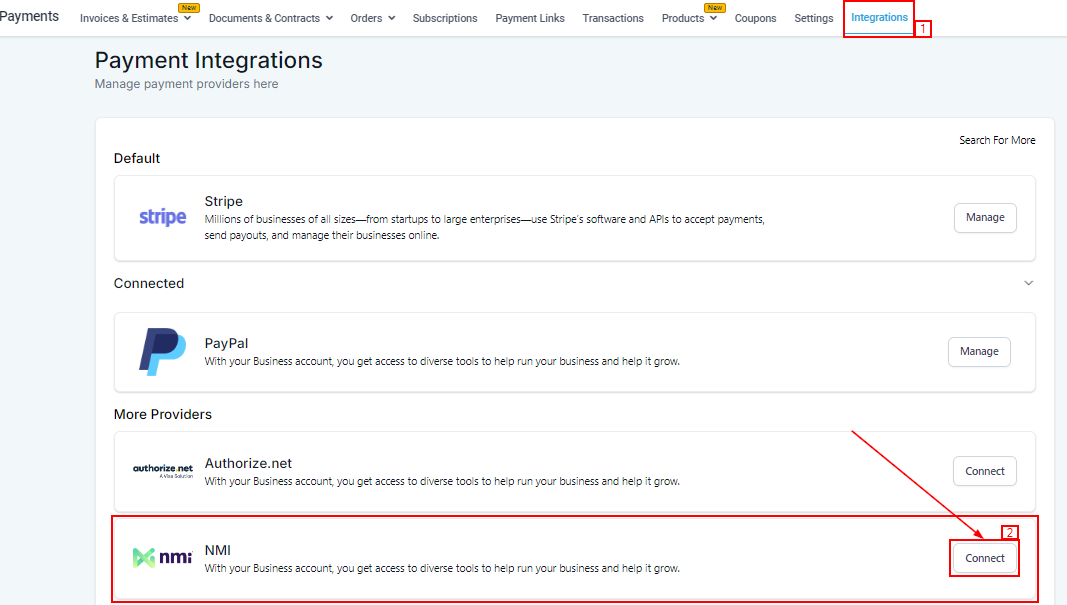
Connecting NMI
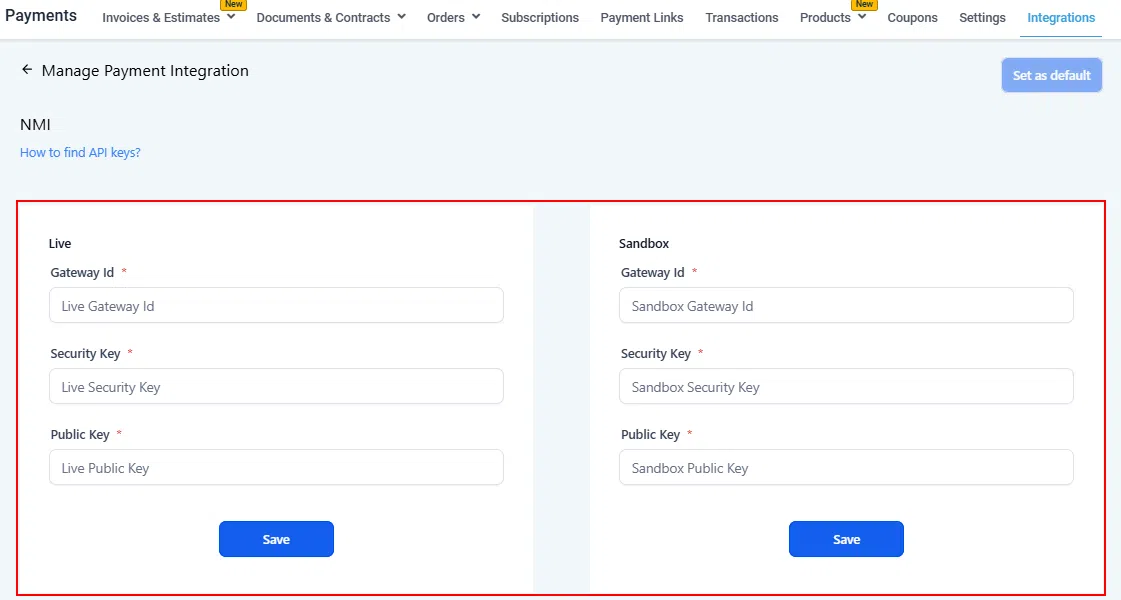
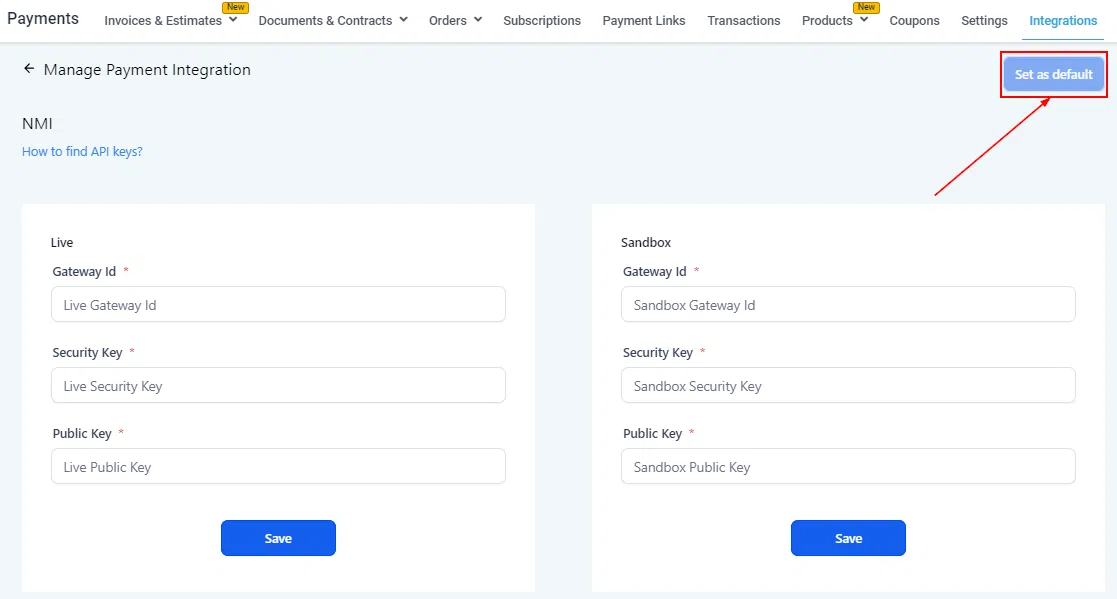
Obtain your Gateway ID and Security Key from your NMI account. In Growth360, go to Payments > Payment Integrations, enter these credentials in the NMI section, and save. Set NMI as your default gateway to use it for new transactions.
Razorpay
Razorpay is a payment gateway primarily used in India, supporting credit/debit cards, net banking, wallets, and digital payment methods. Integrating Razorpay with Growth360 lets you process transactions and manage payments from within your CRM.
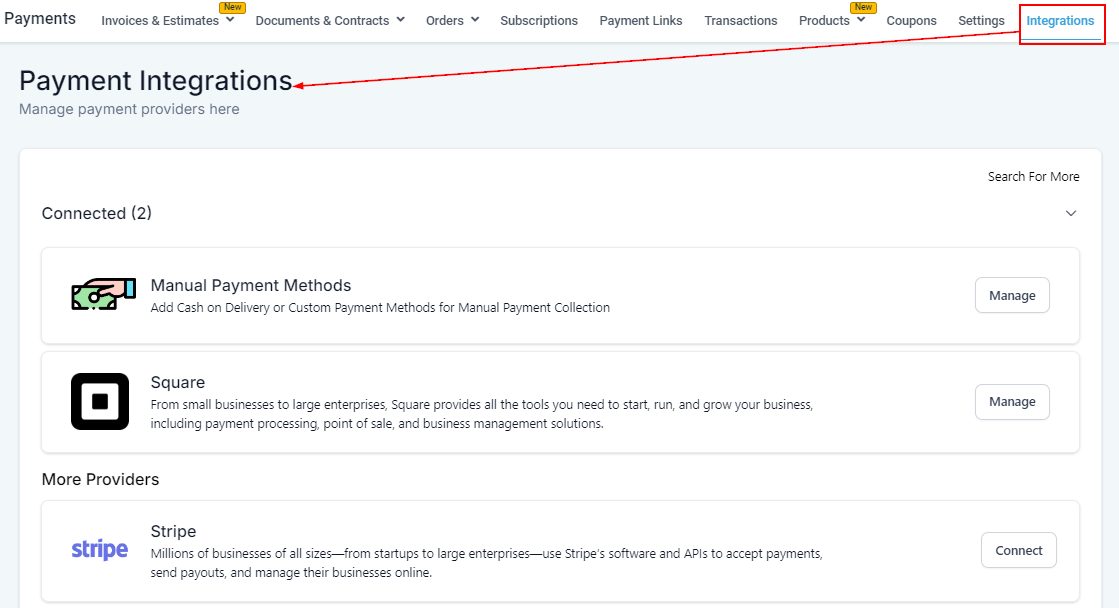
Connecting Razorpay
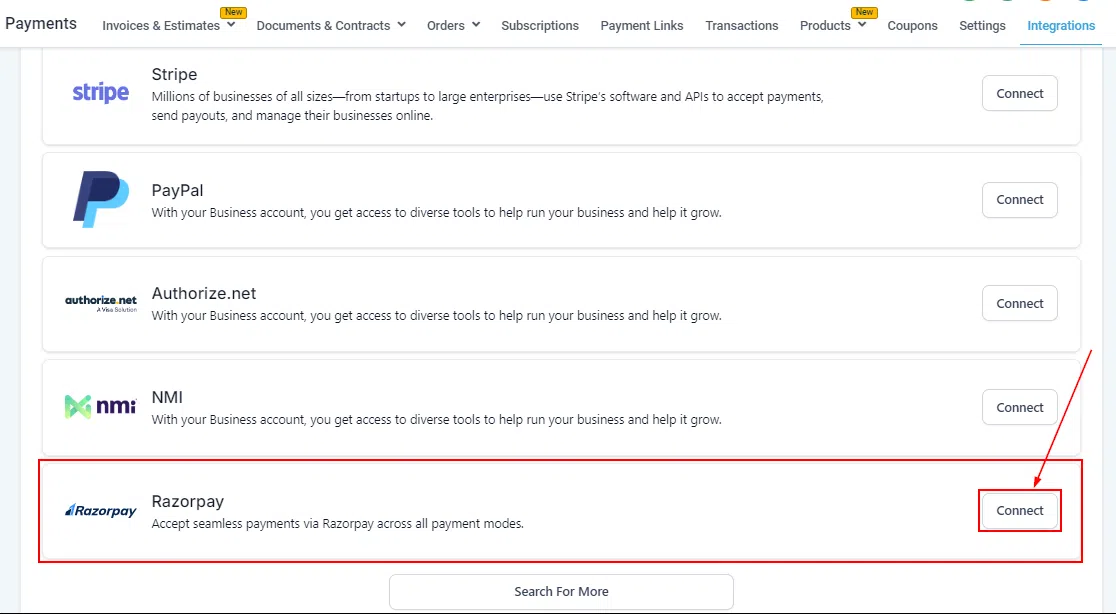
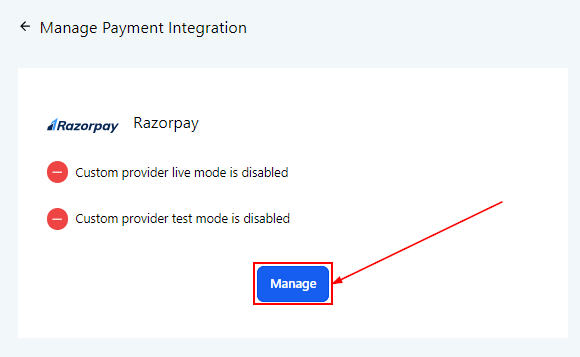
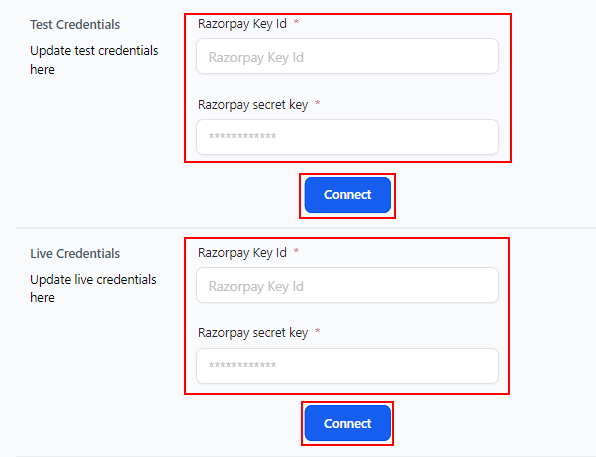
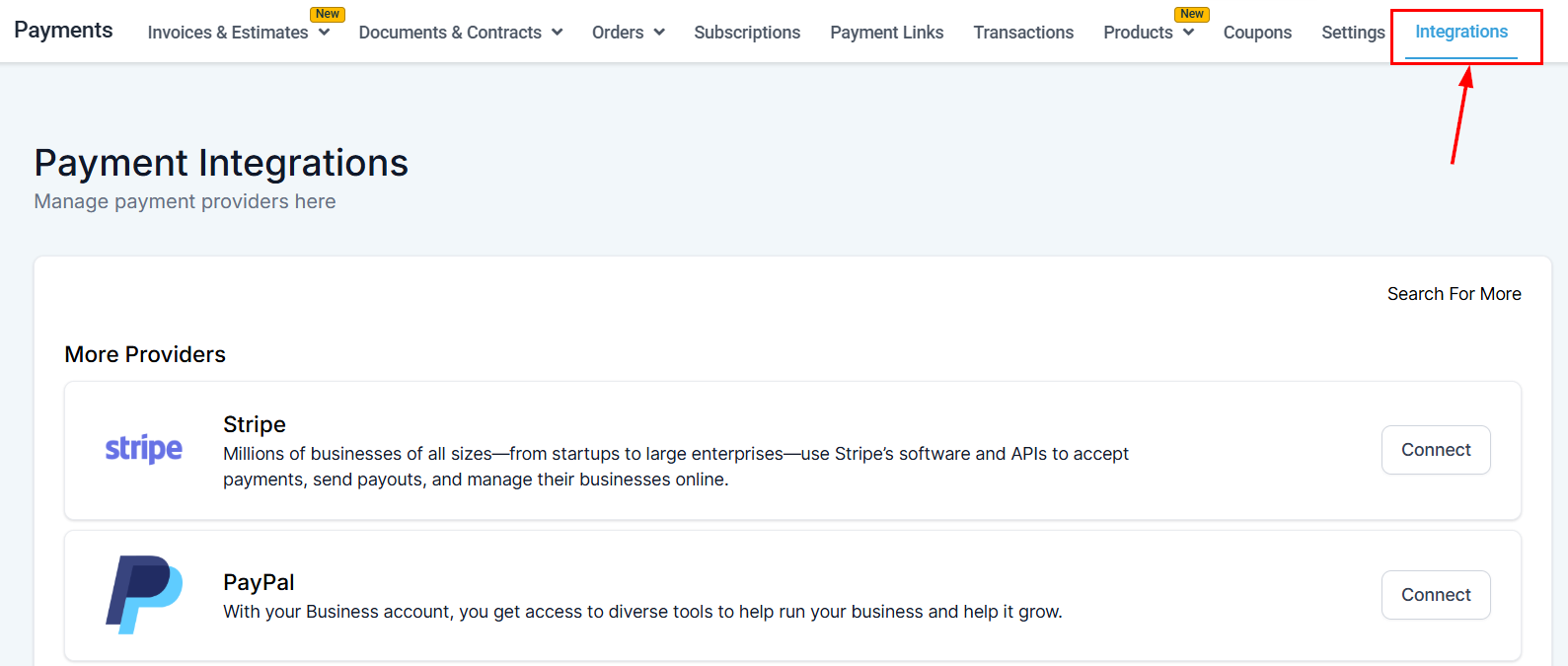
Obtain your API Key and API Secret from your Razorpay dashboard. In Growth360, go to Payments > Payment Integrations, enter the credentials in the Razorpay section, and save. If you encounter integration issues, double-check your API Key and Secret for any typos.
Square
Square supports credit/debit cards, Apple Pay, Google Pay, and other digital wallets. Connecting Square to Growth360 lets you manage all payments from within the platform, with transactions trackable under Payments > Orders and Transactions.
Connecting Square
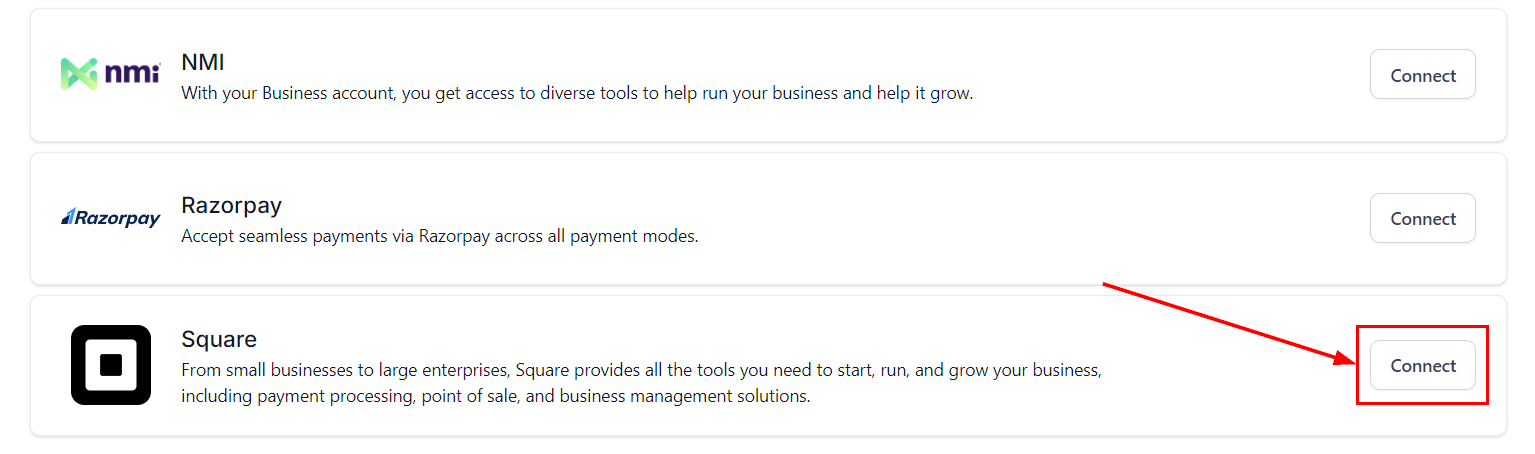
In Growth360, go to Payments > Payment Integrations and click Connect next to Square. Select Live Mode to process real payments.
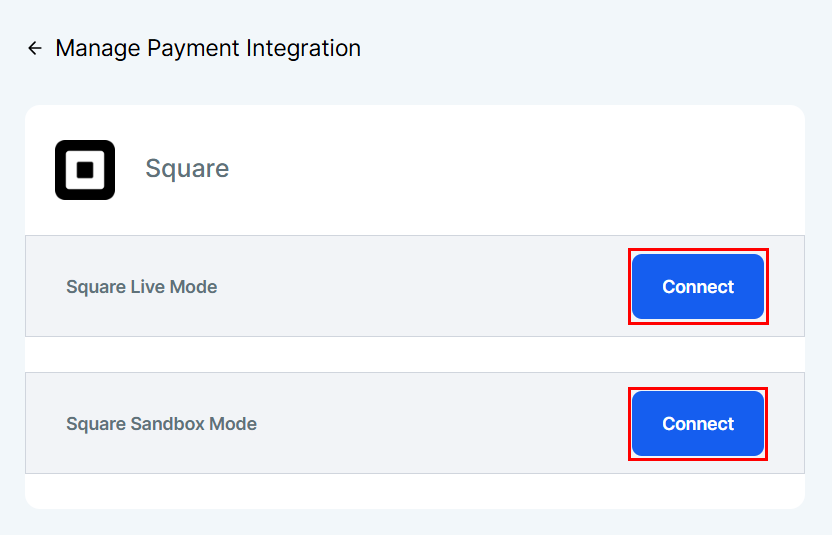
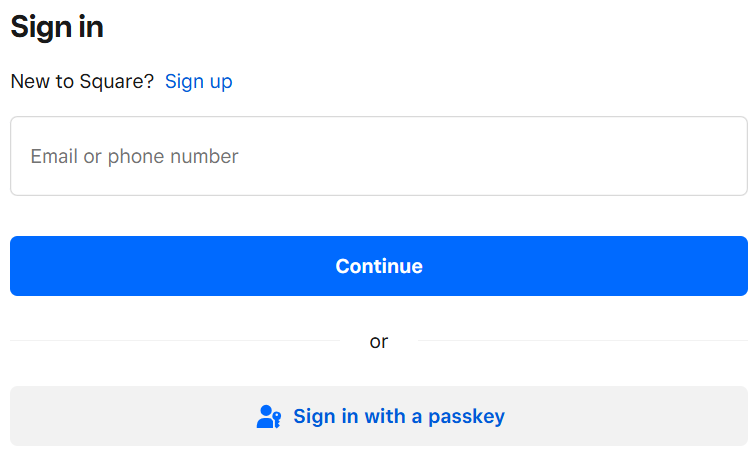
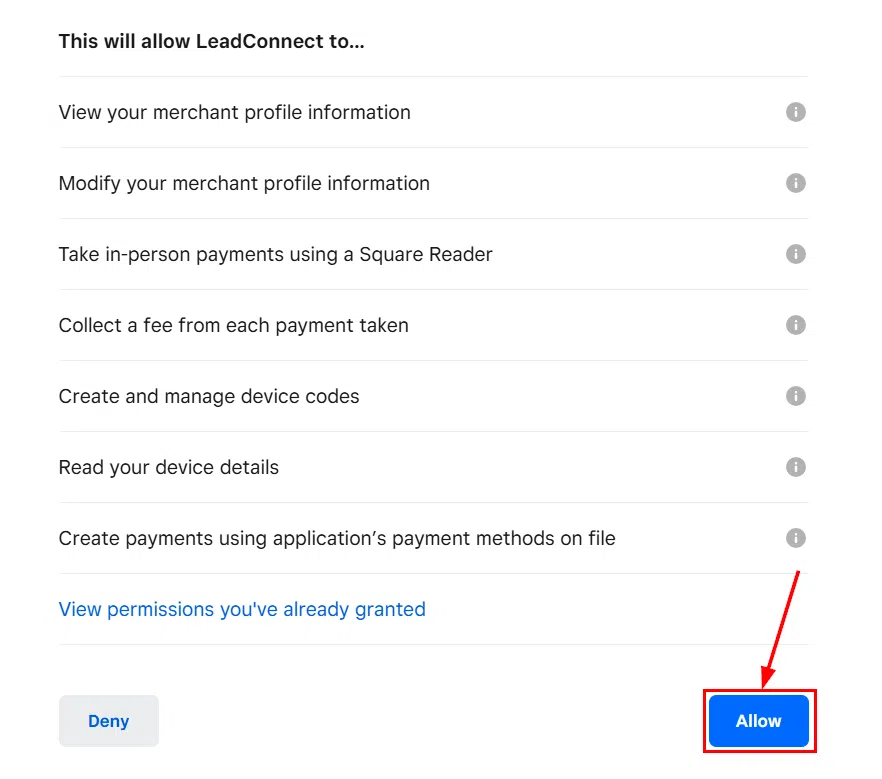
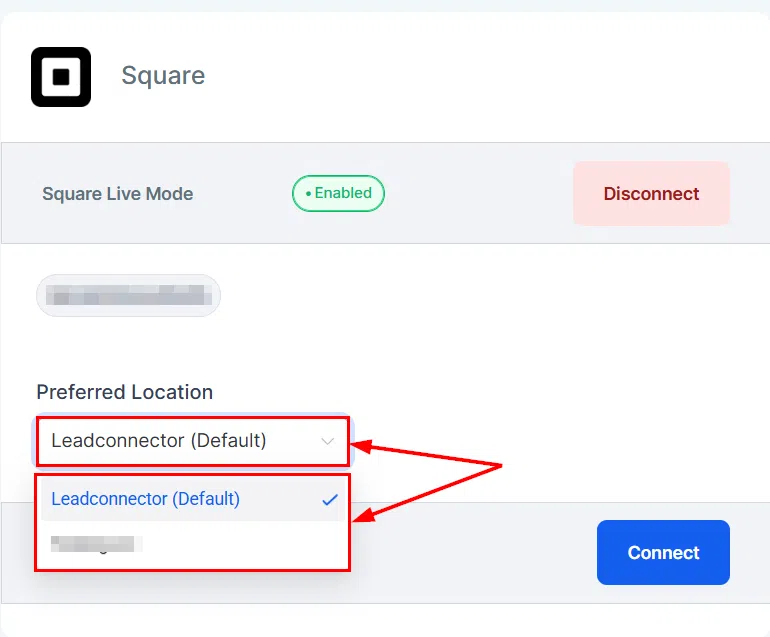
Sign in to your Square account when prompted, then click Allow to authorise the connection. You’ll then be asked to select your preferred Square location for payment processing.
Once connected, set Square as your default payment gateway if you want it used for all new transactions.